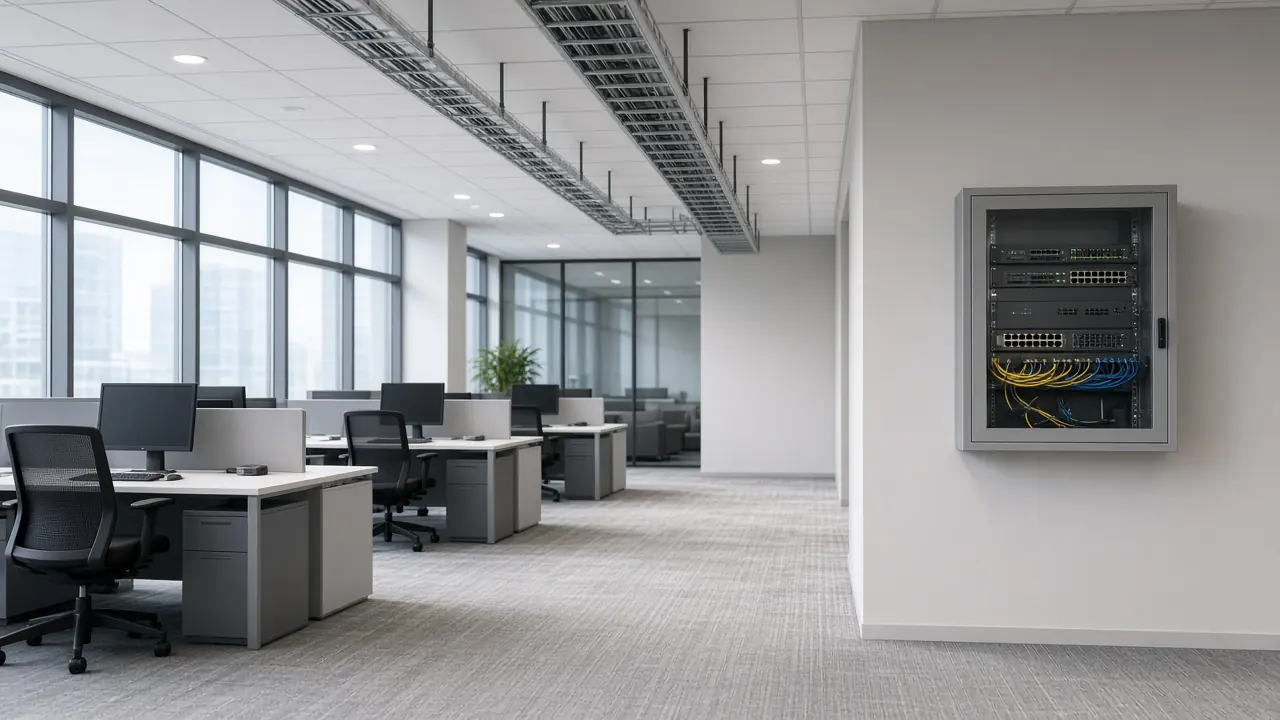
New office or campus
- Requirement
- Topology
- Network, Wi-Fi, and fiber
- Equipment direction
NOVATELIA TECHNOLOGY CATALOG
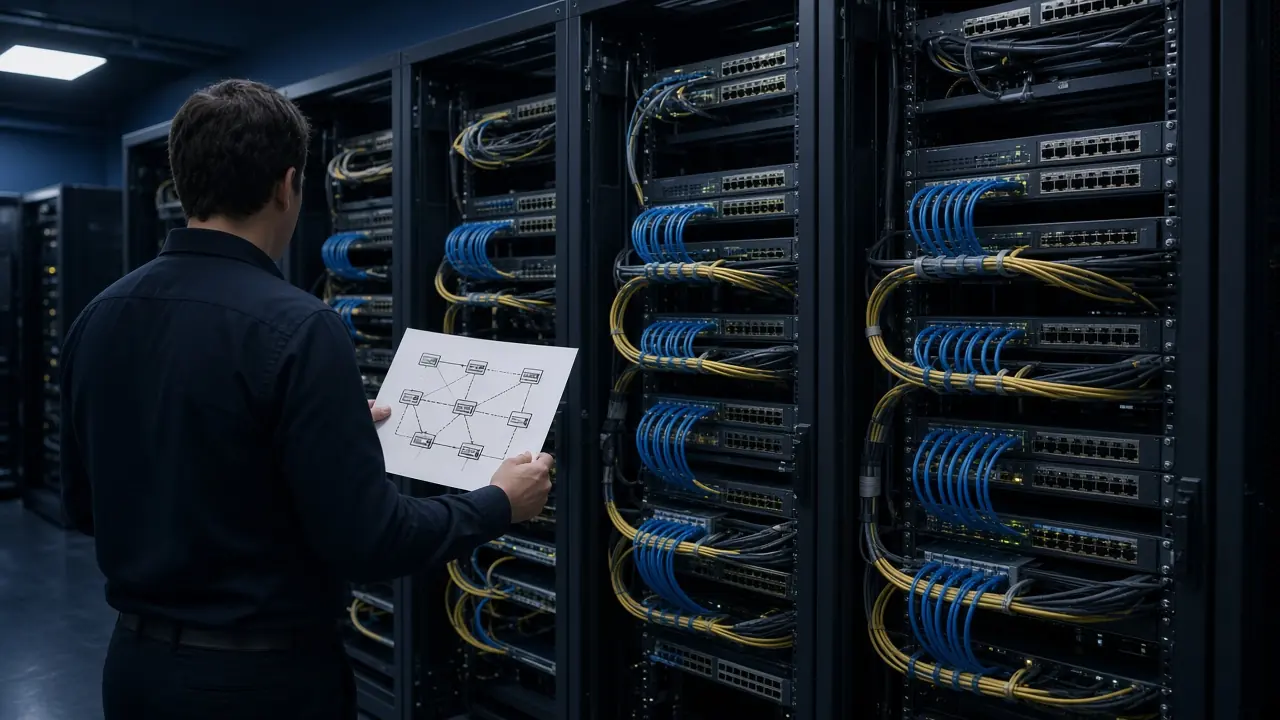
Novatelia provides network and infrastructure design support to help convert project requirements into a structured technical approach covering topology, connectivity, equipment direction, capacity, resilience and implementation considerations.
The service can support new deployments, network modernization, site expansion, multi-site connectivity, data center infrastructure and projects where the technical requirement still needs to be organized before sourcing, quotation or deployment.
When the brief still needs review, start with Requirement Review & Technical Assessment. To begin design support, Discuss a Network Design Requirement.
These areas describe the design-support framework. Not every item is included in every project, depending on project scope.
How network layers and systems relate, depending on project scope.
This is a conceptual path from a requirement to an implementation handoff. It is not a customer architecture.
Input. Site count, facility type, and existing infrastructure.
Design question. What connectivity and infrastructure constraints exist?
Output. Site architecture assumptions and clarification points.
Network topology design support defines how infrastructure components and network layers should relate within the project. The topology can help clarify core, distribution, access, uplink and external-connectivity relationships before equipment selection and deployment.
Where applicable, the same pass can note core, distribution, access, WAN edge, firewall boundary, wireless, server or data-center connectivity, a management network, and external connectivity.
Conceptual topology example. Not a customer design.
How the core relates to distribution and external connectivity.
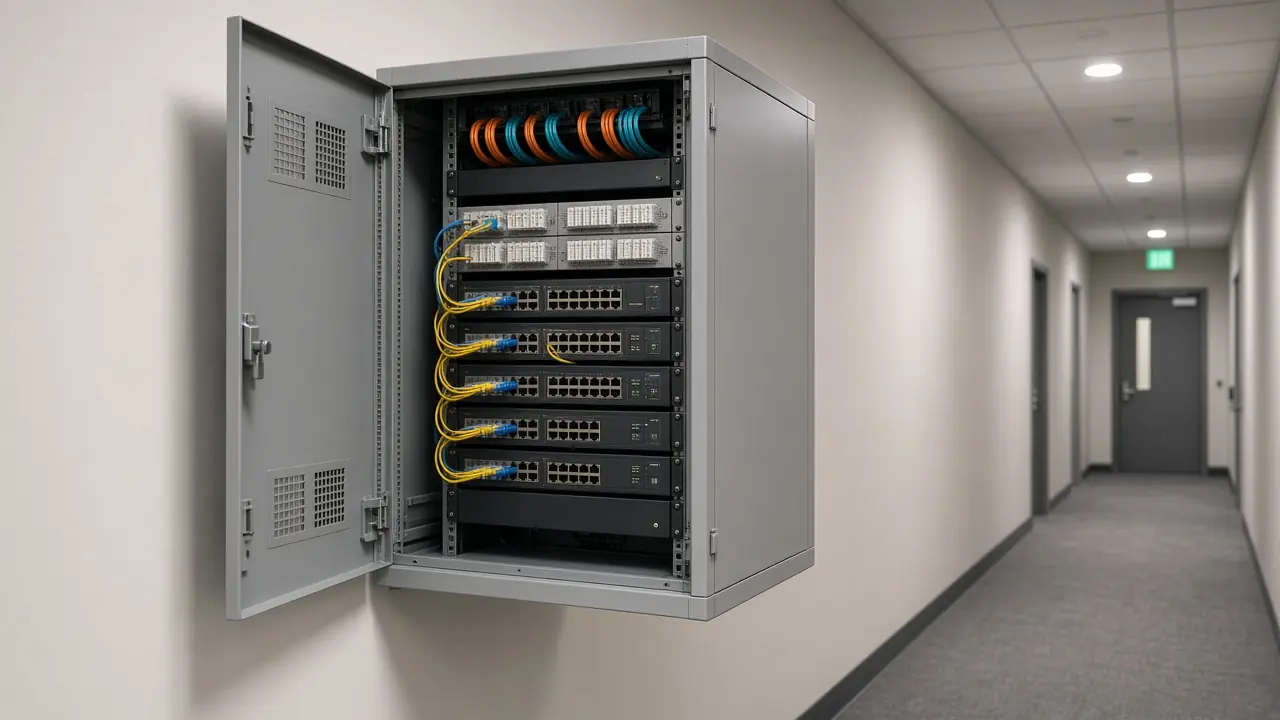
For campus and enterprise environments, design support can structure the relationship between core, distribution, access, wireless, security and site connectivity according to the project requirement and available site information.
Related published page: Enterprise networking.
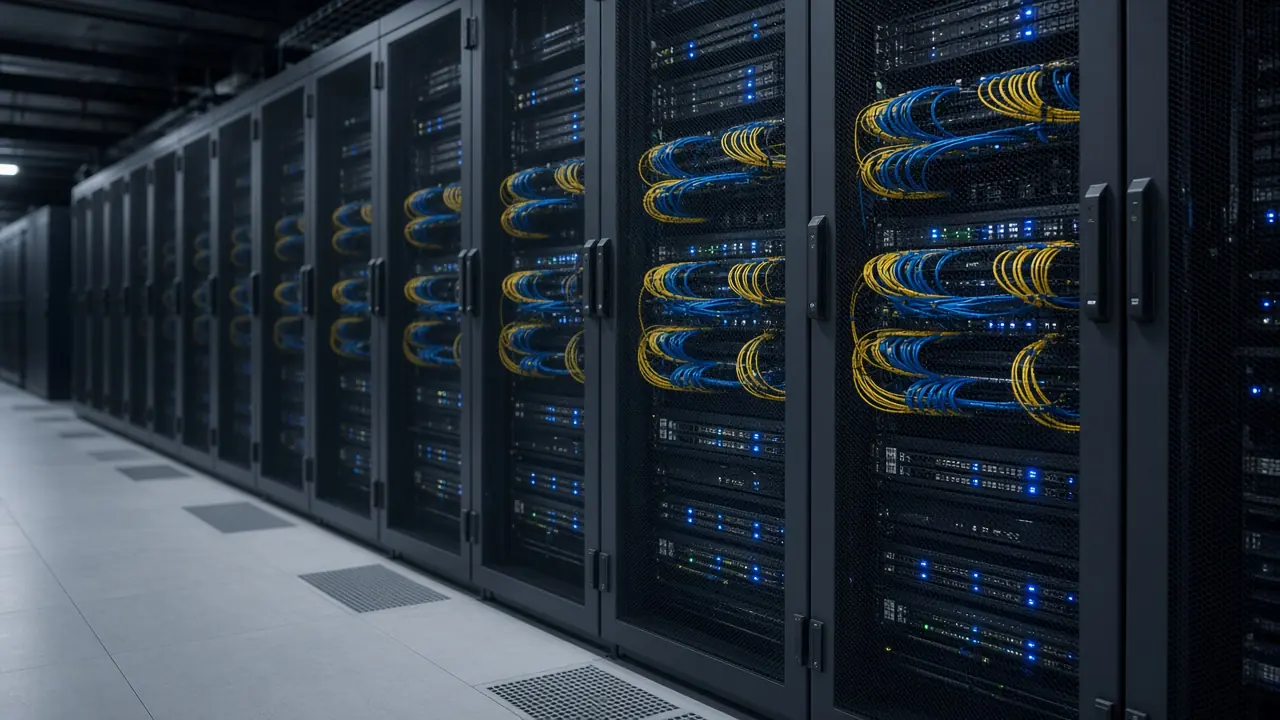
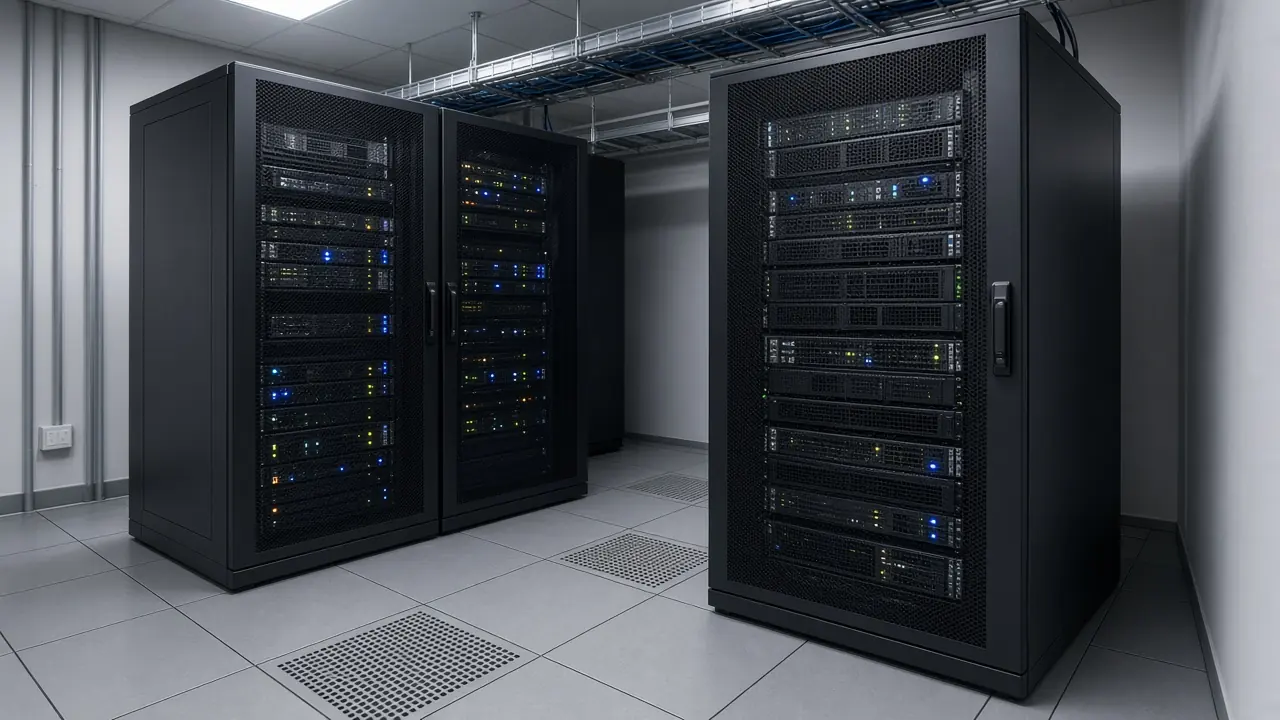
Data center network design support helps organize connectivity between compute, storage, network, security and external infrastructure. The design depth depends on workload, platform and facility requirements.
The fabric note covers uplinks, rack relationships, and copper or fiber interfaces.
Related published page: Data center solutions.
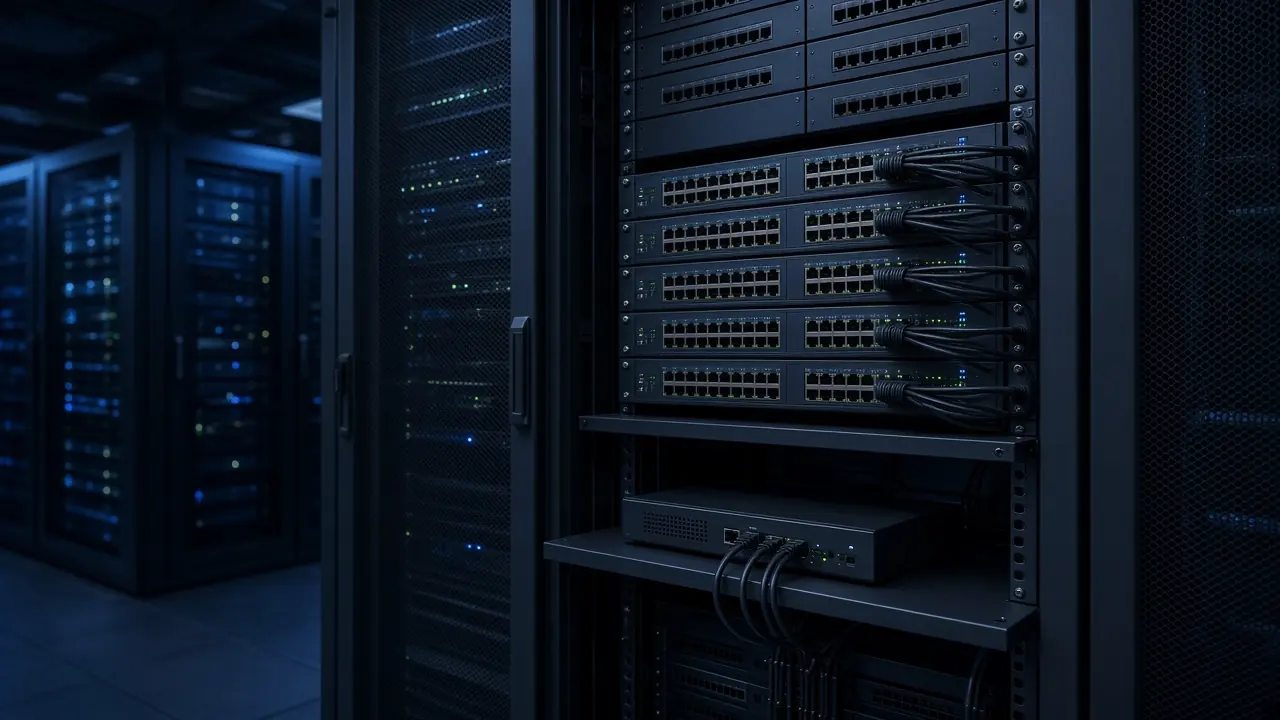
A multi-site approach relates headquarters, branches, a data center, and the connectivity between them. The diagram below is a conceptual example, not a customer design, and it does not name a proprietary SD-WAN platform.
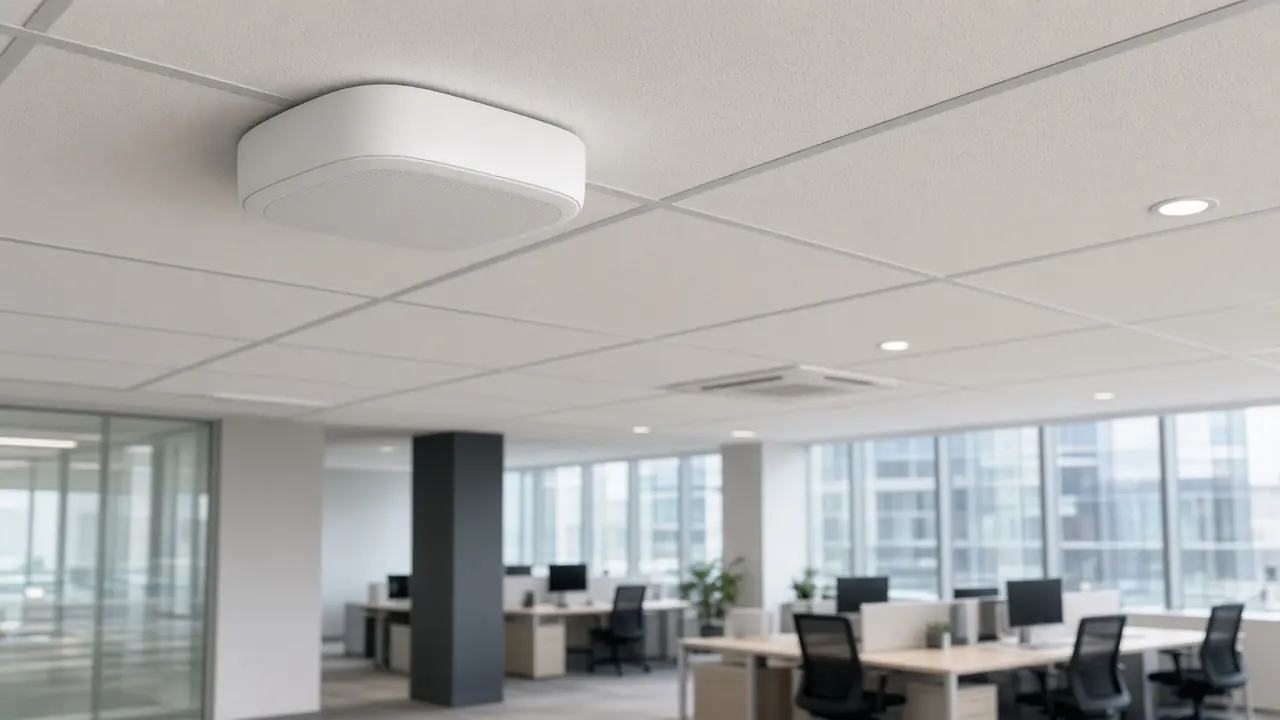
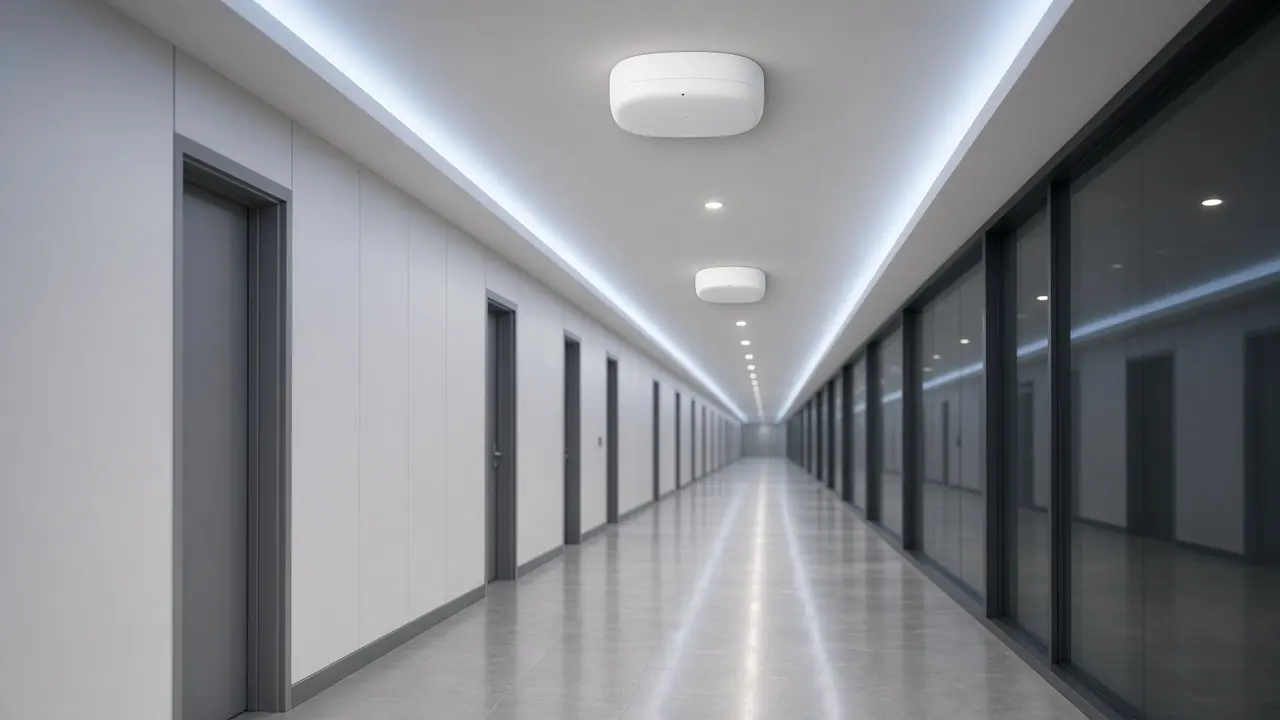
Wireless planning considers the physical environment, expected devices, applications, coverage and capacity requirements before access-point quantity and placement are finalized.
Coverage and capacity follow the floor, the devices, and the applications. Quantity is not fixed on this page.
Useful inputs include floor plans, coverage areas, expected device types, user density, application requirements, existing network infrastructure and any operational or security constraints. A site survey may be required before final access point placement is confirmed.
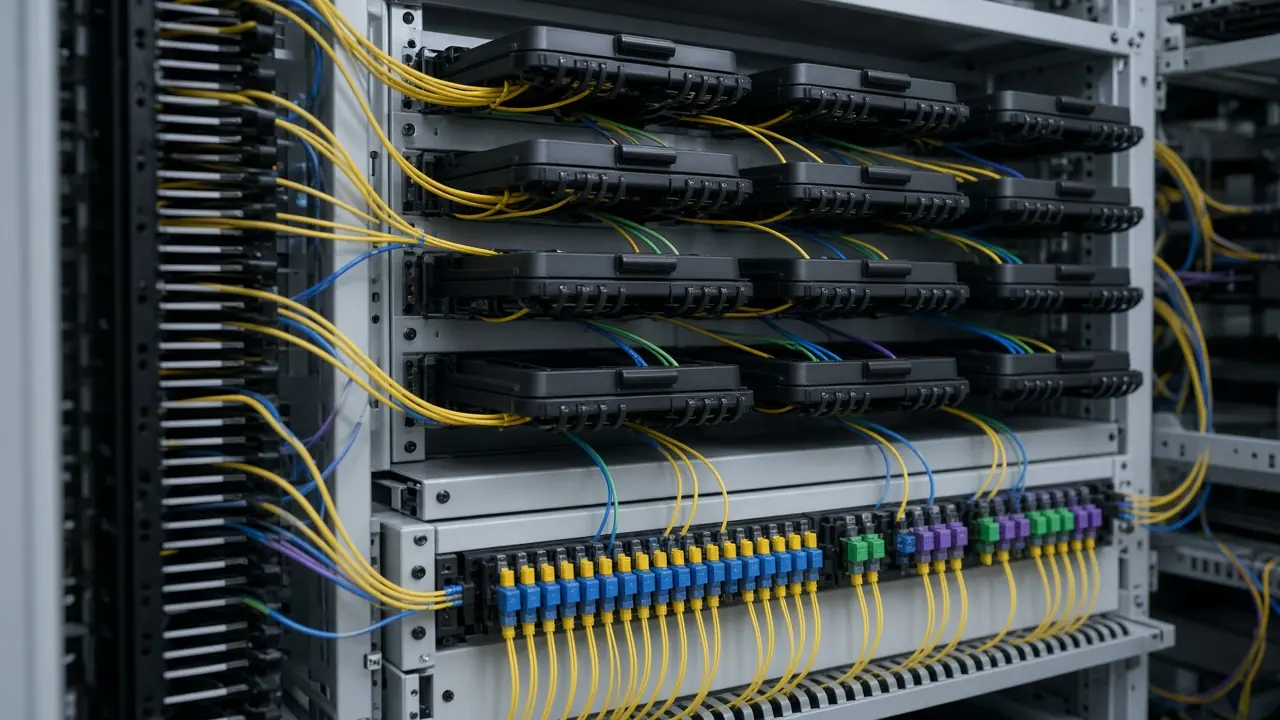
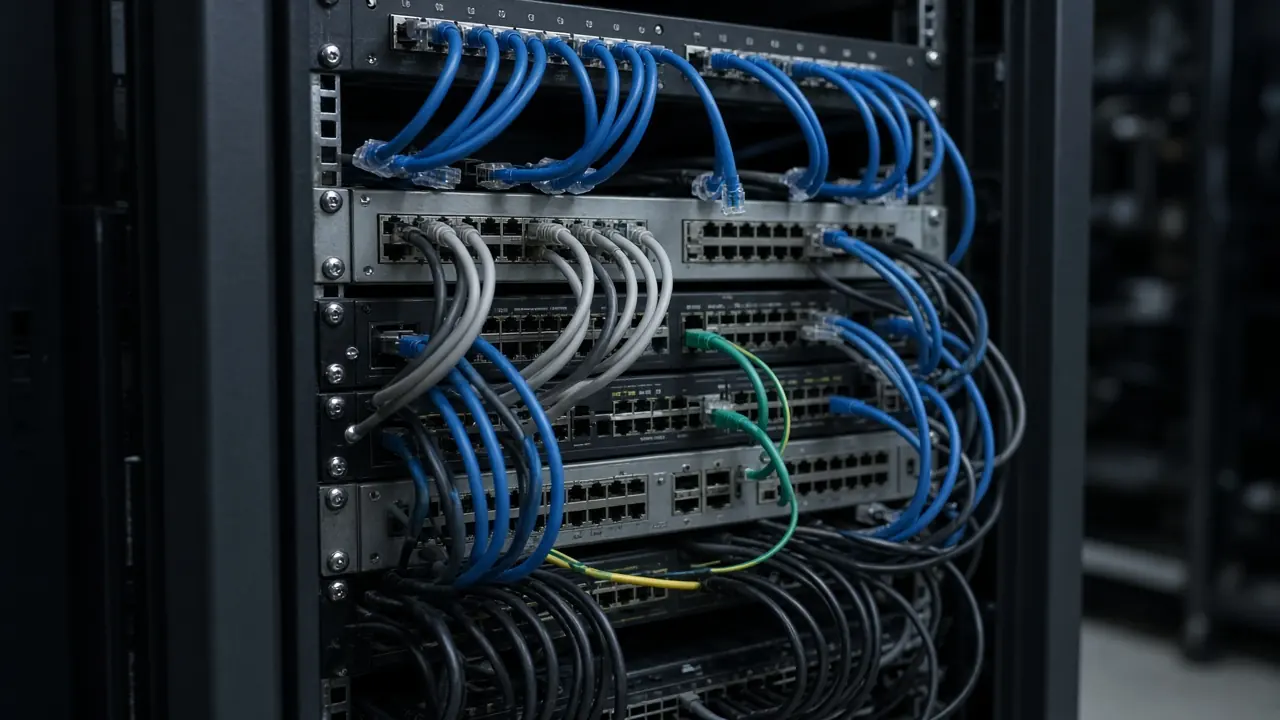
Physical connectivity design support helps define how fiber and copper infrastructure will connect network areas, racks, buildings and equipment. Final cable selection must follow the project environment and specification.
Backbone topology relates buildings, floors, and the core. Cable type follows the path and the specification.
Related published page: Fiber optic transport.
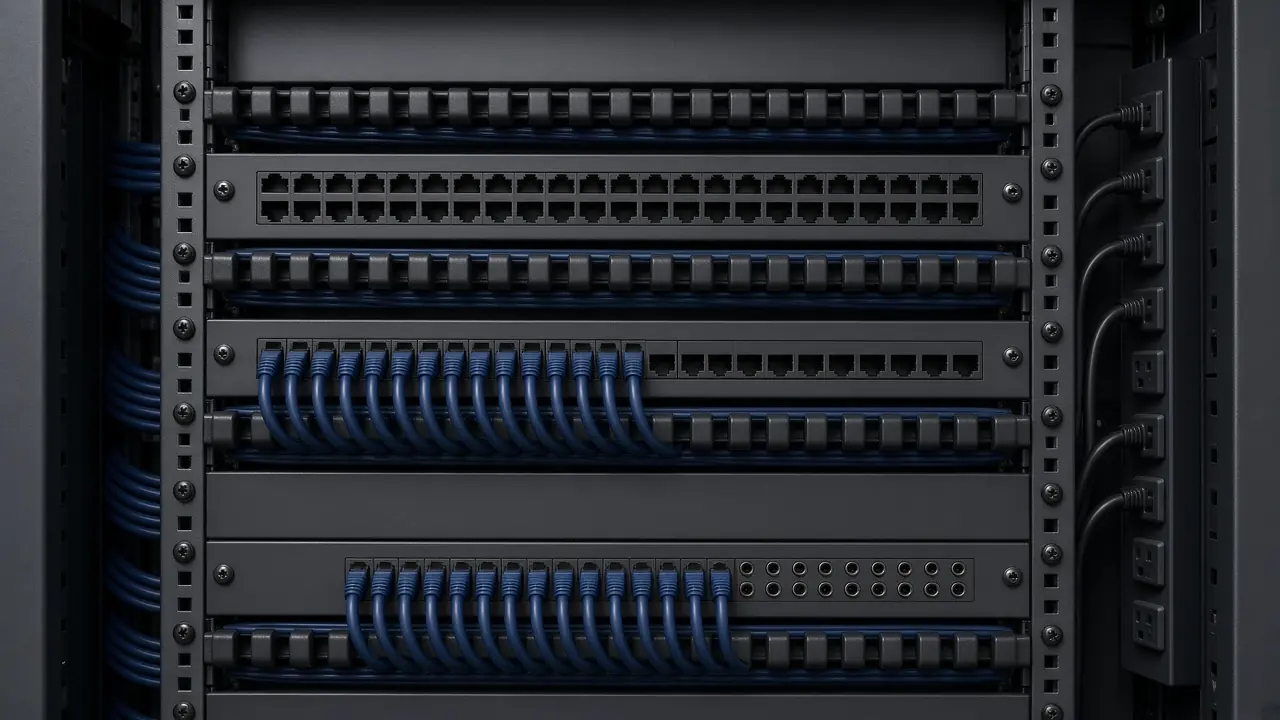
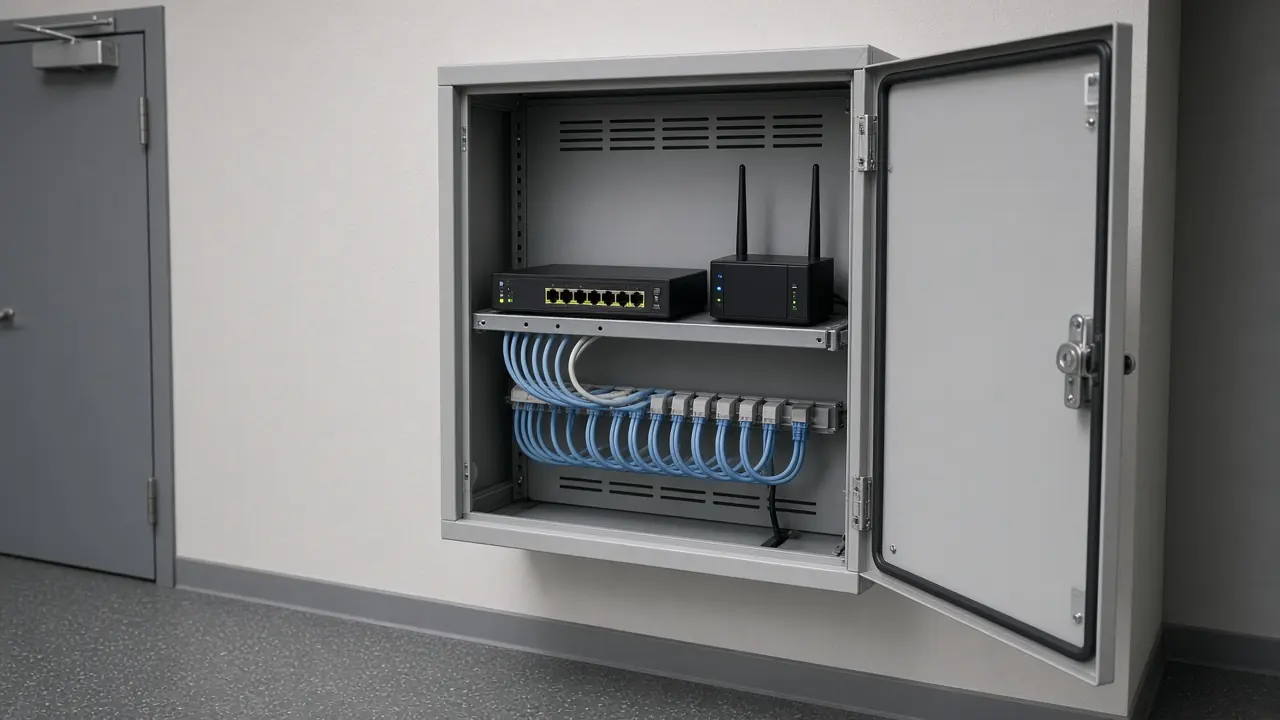
Rack notes cover space, placement, patching, and how equipment meets power. Power is treated as an interface and a requirement. This page does not claim electrical design authority.
Where resilience is part of the project requirement, design support can consider redundant paths, devices, uplinks, power interfaces and failover relationships. The final resilience approach depends on the required service level, budget and site constraints.
Primary path to the service, where a primary path is in scope.
Secondary path to the service, where a second path is required.
Design support should account for known project demand and reasonable expansion requirements without presenting speculative capacity as a guaranteed forecast.
Once the required architecture and interfaces are understood, equipment selection support can help map the requirement to appropriate product categories, specifications and models.
Categories are discussed with the published catalog and compatibility references. A category name is not a selected model.
A final design cannot be inferred from a project title alone. The quality and depth of design support depend on the technical, site and operational information available.
Share Your Project RequirementSubmit Existing Topology / BOM
Input. Objectives, scope, and the information already available.
Work. Confirm project objectives, scope and available information.
Output. An agreed scope for this design-support pass.
Outputs depend on the approved service scope and available project information. Not every project produces every document.
Stamped drawings, IFC drawings, as-built records before implementation, and a statutory engineering report are not promised unless they are separately scoped and authorized.
Each path is a way a project can start. It is not a completed customer design.
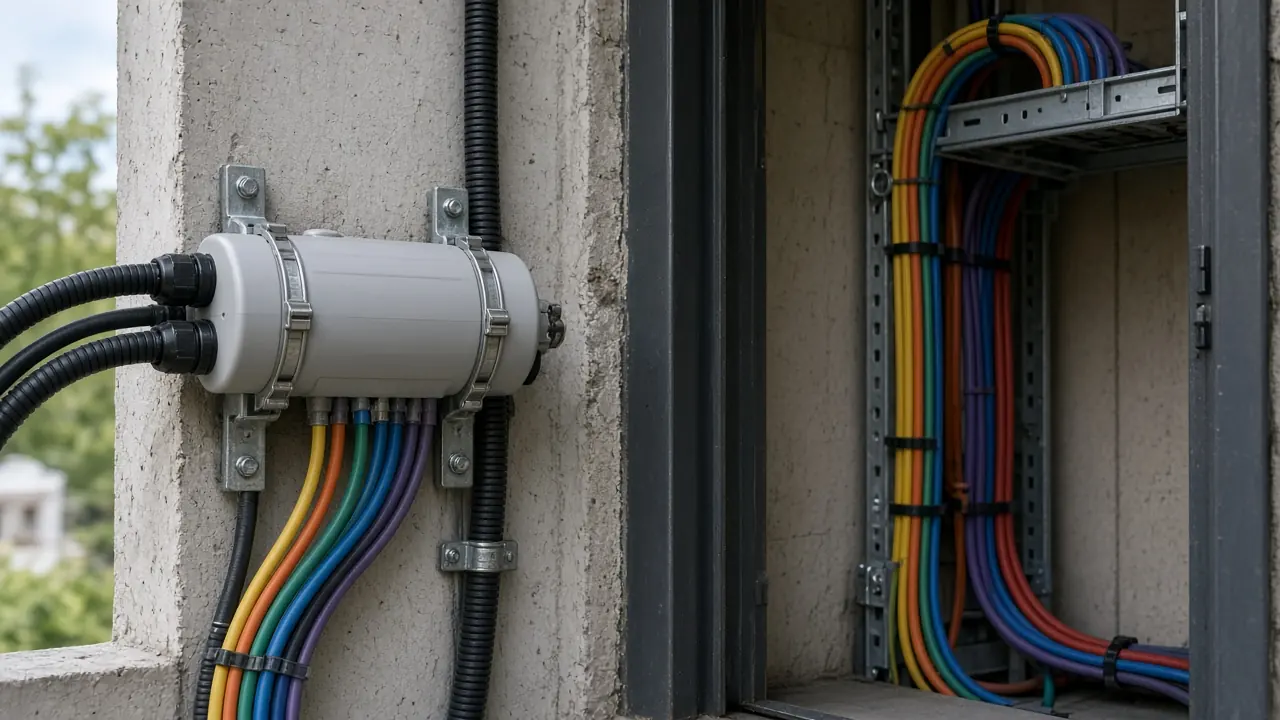
Security placement, where it is in scope, stays related to cybersecurity infrastructure.
Enterprise networking, data center, fiber, and cybersecurity pages already describe infrastructure scope.
Open solutionsEquipment references stay on the published catalog.
Open the catalogBrand pages are the published brand directory.
Open brandsCompatibility is a separate published reference.
Open compatibilityProject requirements enter through the same public intake.
Open the RFQLocation information is the published locations page.
Open locationsAnswer. Network and infrastructure design support converts project requirements into a structured technical approach covering topology, connectivity, equipment requirements, capacity, resilience and implementation considerations.
Scope. Design support for an approved or partially defined infrastructure requirement.
Condition. Depth follows the information and the agreed scope.
Limitation. This is not licensed engineering consultancy or a stamped design.
Answer. Useful inputs include the site or facility type, number of sites, floor plans where available, users and devices, application requirements, existing equipment, connectivity, security requirements and future expansion needs.
Scope. The inputs listed for this service.
Condition. A final design cannot be inferred from a project title alone.
Limitation. Missing site or technical detail limits how far the approach can go.
Answer. Design support can be scoped for new office and campus infrastructure, including topology, switching, wireless, connectivity, fiber and related infrastructure considerations.
Scope. New office and campus projects.
Condition. The final scope depends on site information and customer requirements.
Limitation. High availability is not guaranteed from the page alone.
Answer. Yes. Existing topology, equipment, site information and upgrade objectives can be reviewed to define integration, replacement, capacity and migration considerations.
Scope. Upgrade and modernization projects.
Condition. Existing topology or an equipment list needs to be available.
Limitation. Unverified site conditions are not treated as confirmed.
Answer. Multi-site design support can structure connectivity between headquarters, branches, data centers and external networks, including WAN, security and resilience considerations where required.
Scope. Headquarters, branches, and related sites.
Condition. Site count and connectivity requirements need to be stated.
Limitation. A proprietary SD-WAN platform is not claimed.
Answer. Wireless design support can consider coverage areas, device density, applications, segmentation, backhaul and access-point requirements. A site survey may be required before final placement is confirmed.
Scope. Enterprise wireless planning.
Condition. Floor plans, device types, and density should be supplied where available.
Limitation. Coverage, throughput, and access-point quantity are not promised before survey and design evidence.
Answer. Fiber design support can define backbone relationships, interfaces, building or rack connectivity, termination requirements and testing considerations. Final cable selection depends on the site and project specification.
Scope. Fiber and structured connectivity design support.
Condition. Path, distance, and interface information decide the approach.
Limitation. Cable ratings are not invented on this page.
Answer. Data center network design support can structure connectivity between compute, storage, network, security and external infrastructure according to the project workload and facility requirements.
Scope. Data center and server-room network design support.
Condition. Design depth depends on workload, platform, and facility requirements.
Limitation. Uptime-tier certification and an AI-ready certification are not claimed.
Answer. Equipment selection support can follow the architecture once required interfaces, capacity and compatibility conditions are understood. Product selection should not be finalized from a category name alone.
Scope. Mapping a requirement to categories, specifications, and candidate models.
Condition. Architecture and interfaces come first.
Limitation. A best product, a guaranteed equivalent, or certified compatibility is not claimed without evidence.
Answer. No. Performance depends on the final equipment, configuration, applications, physical environment, service-provider links and implementation conditions. Design support defines requirements and architecture; it does not create an unconditional performance guarantee.
Scope. Requirements and architecture only.
Condition. Measured performance needs the implemented system and its environment.
Limitation. No uptime, coverage, or performance guarantee is published here.
Answer. Yes, where the service scope includes sufficient equipment and interface requirements. The resulting design inputs can support BOM preparation, sourcing, quotation and procurement.
Scope. Projects whose scope includes equipment and interface requirements.
Condition. The design inputs have to be specific enough for a bill of materials.
Limitation. A category name alone is not a purchase list.
Next. Start design support
Answer. Depending on the project, the next stage may be equipment selection, quotation, procurement, staging, installation, testing or further technical clarification.
Scope. The next stage the agreed scope actually supports.
Condition. Only a published destination is linked from this page.
Limitation. A fixed turnaround is not promised.
Share your project requirement, existing topology, drawings, equipment list or site information. Novatelia can review the available inputs and help structure the network and infrastructure requirements for the appropriate next project stage.
Enterprise infrastructure insights, product updates, and RFQ opportunities for GCC technical buyers.