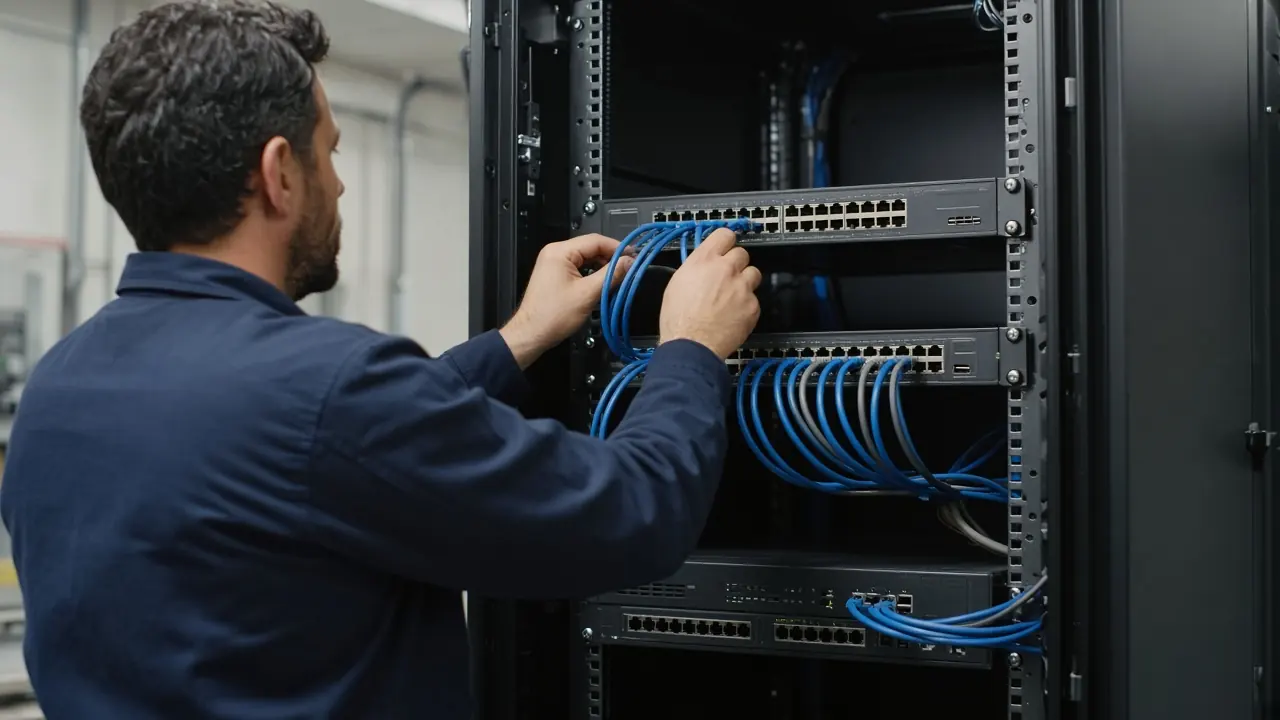
Professional Installation & Deployment
From Prepared Equipment to Operational Site Infrastructure
Novatelia supports the physical installation and deployment of network, compute, security and connected infrastructure according to the approved project scope. Installation may include equipment mounting, physical connectivity, labeling, approved configuration application, initial integration and turn-up activities before formal testing and acceptance.
The exact installation scope depends on the equipment, site readiness, approved design, cabling environment, customer requirements and responsibilities defined for the project. Work prepared in Hardware Pre-Configuration can be brought to site. Formal testing remains a later stage.
- Site ready
- Mount
- Connect
- Label
- Integrate
- Turn-up
- Handoff to testing
Infrastructure We Can Deploy
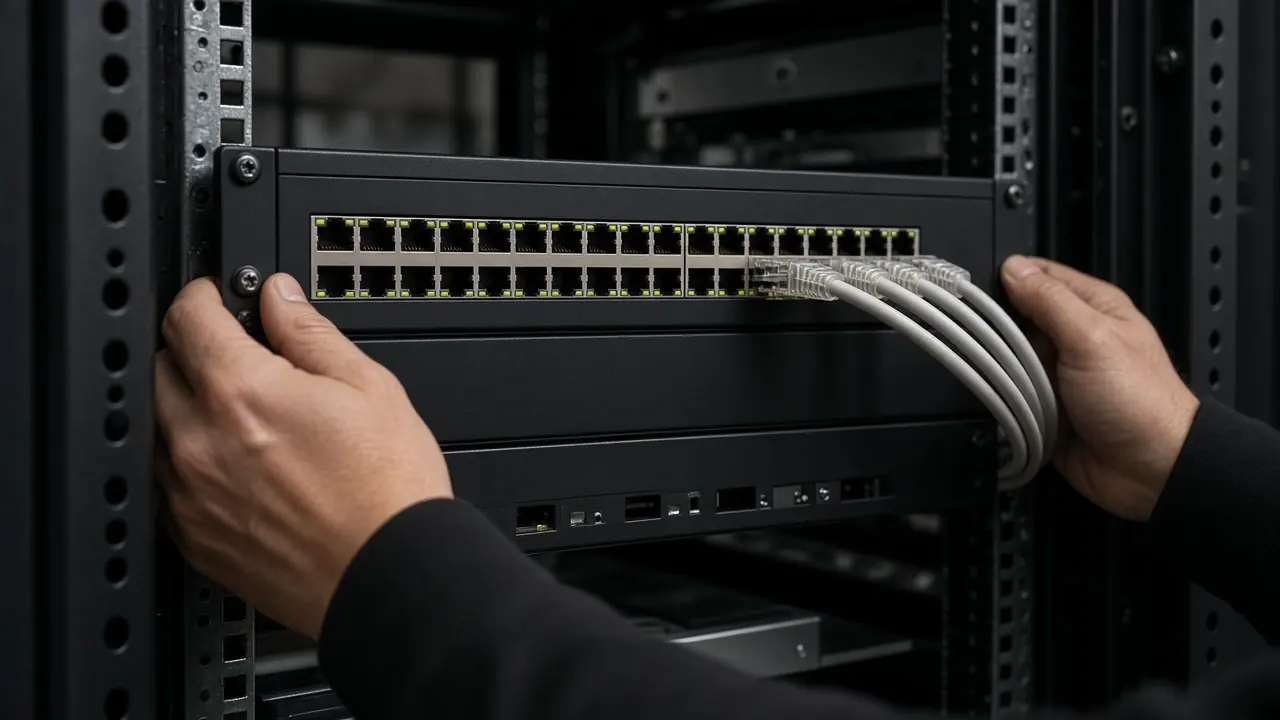
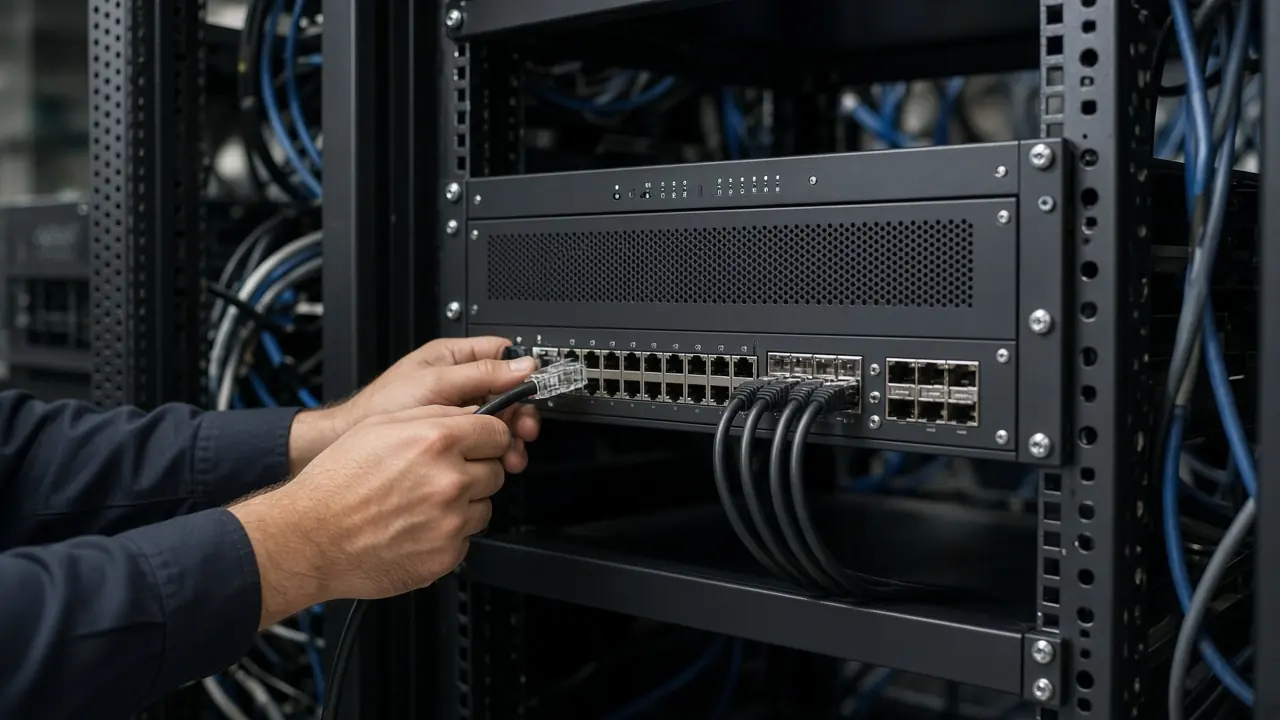
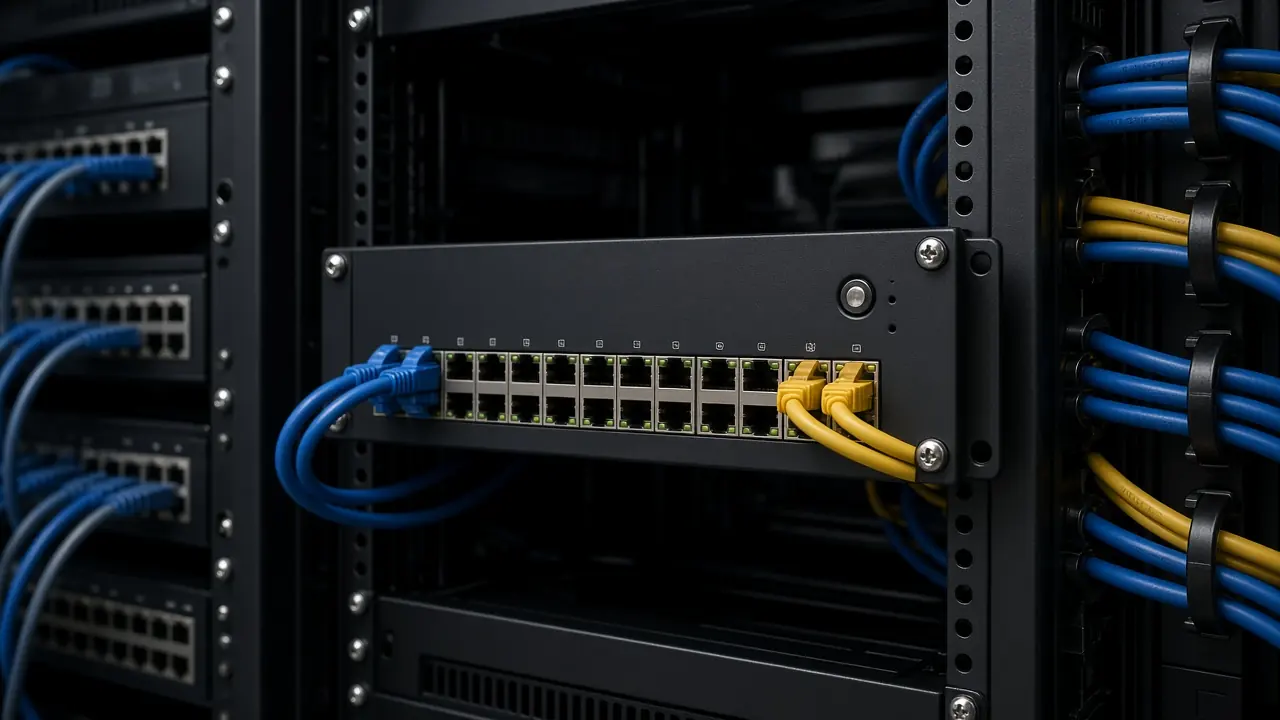
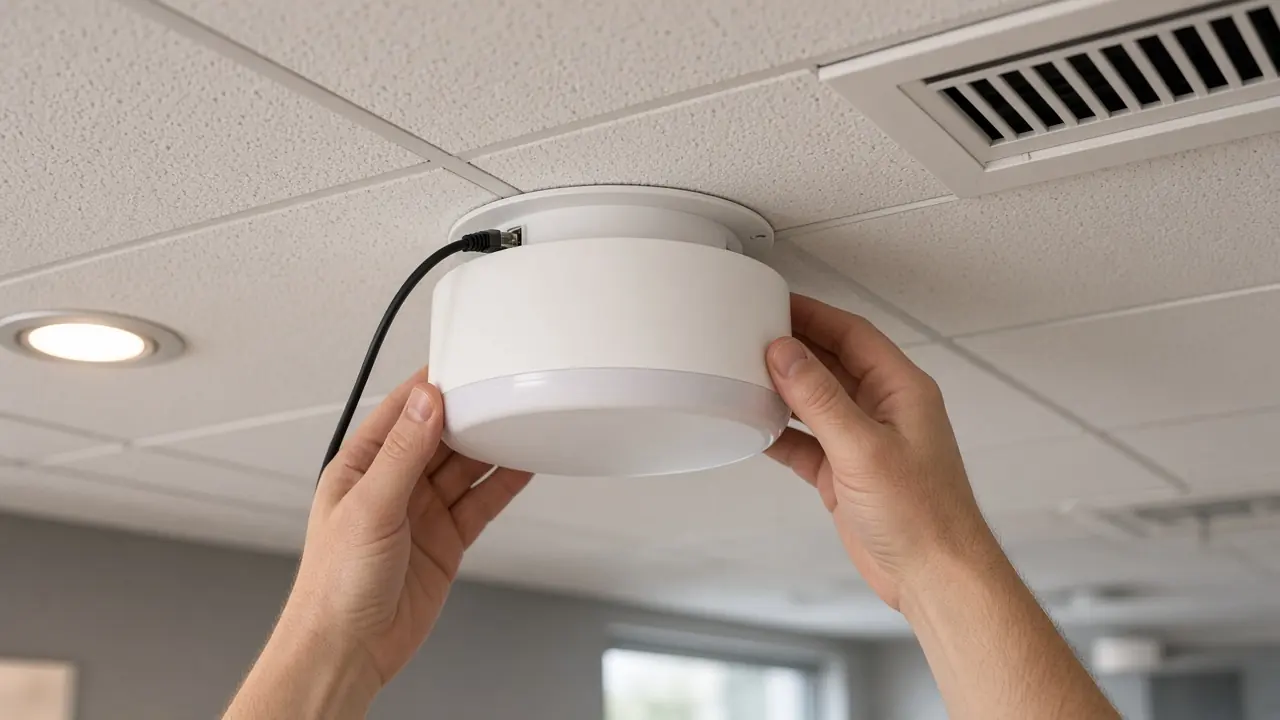
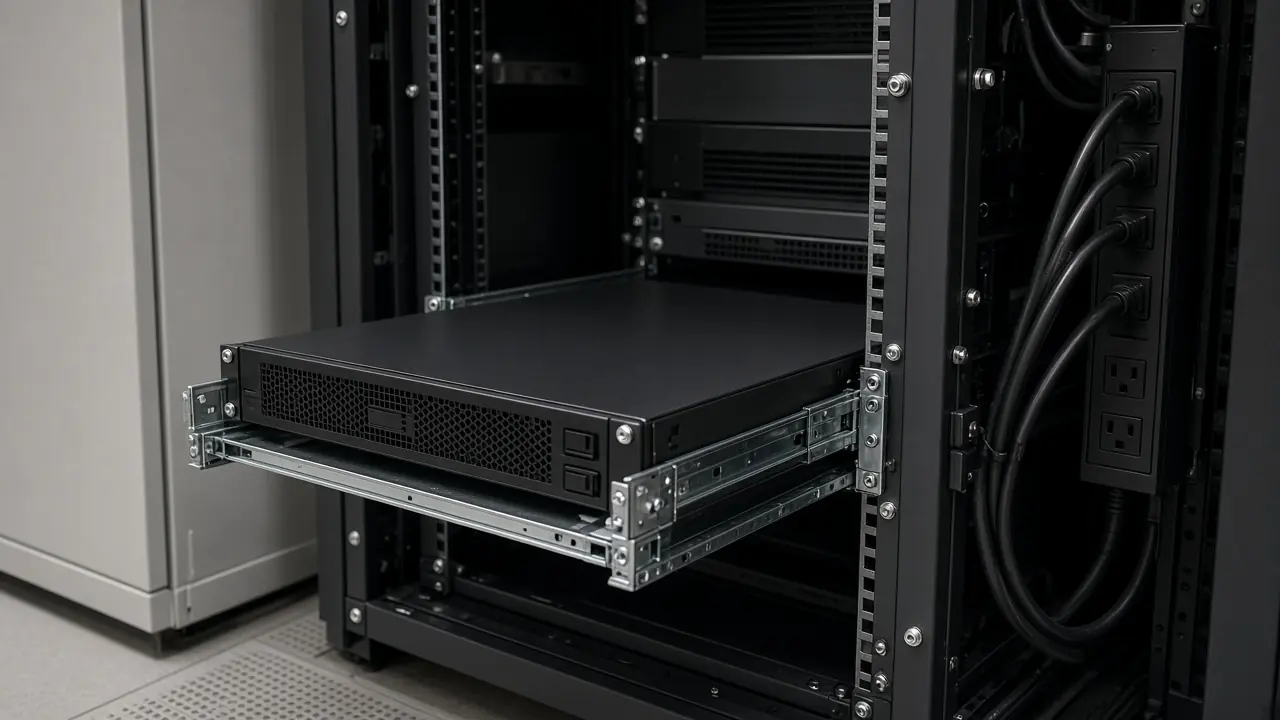
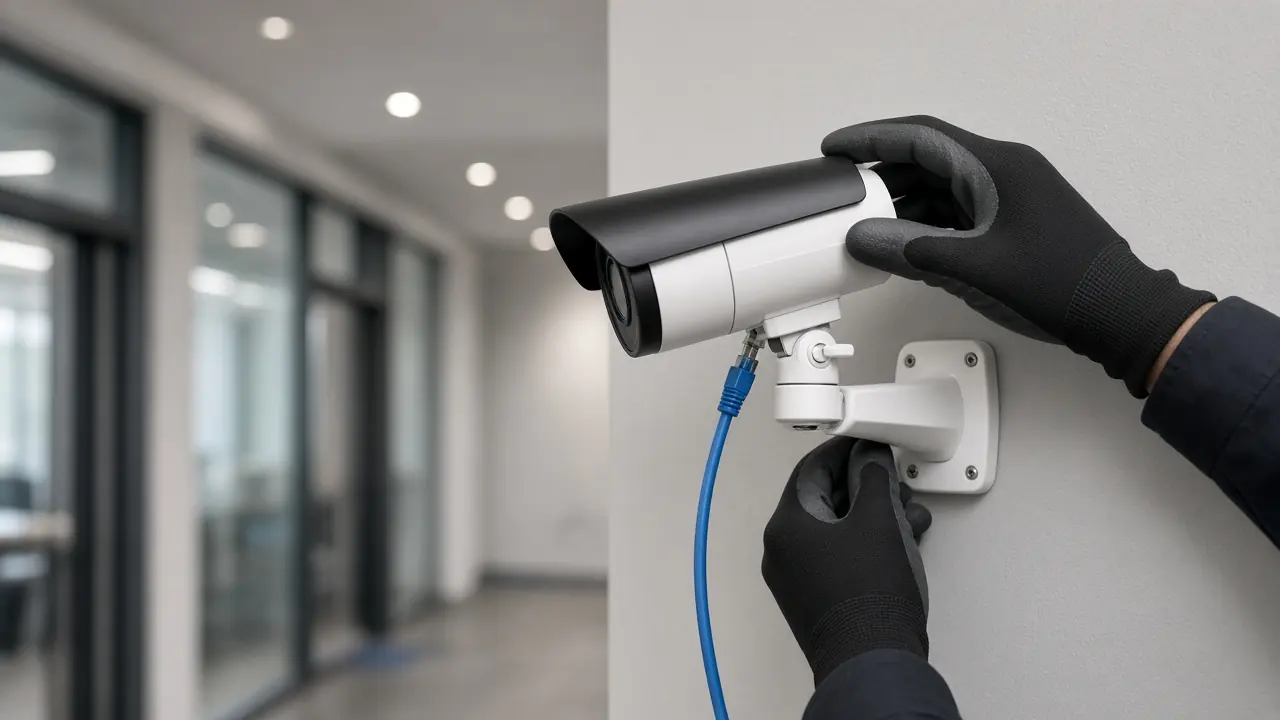
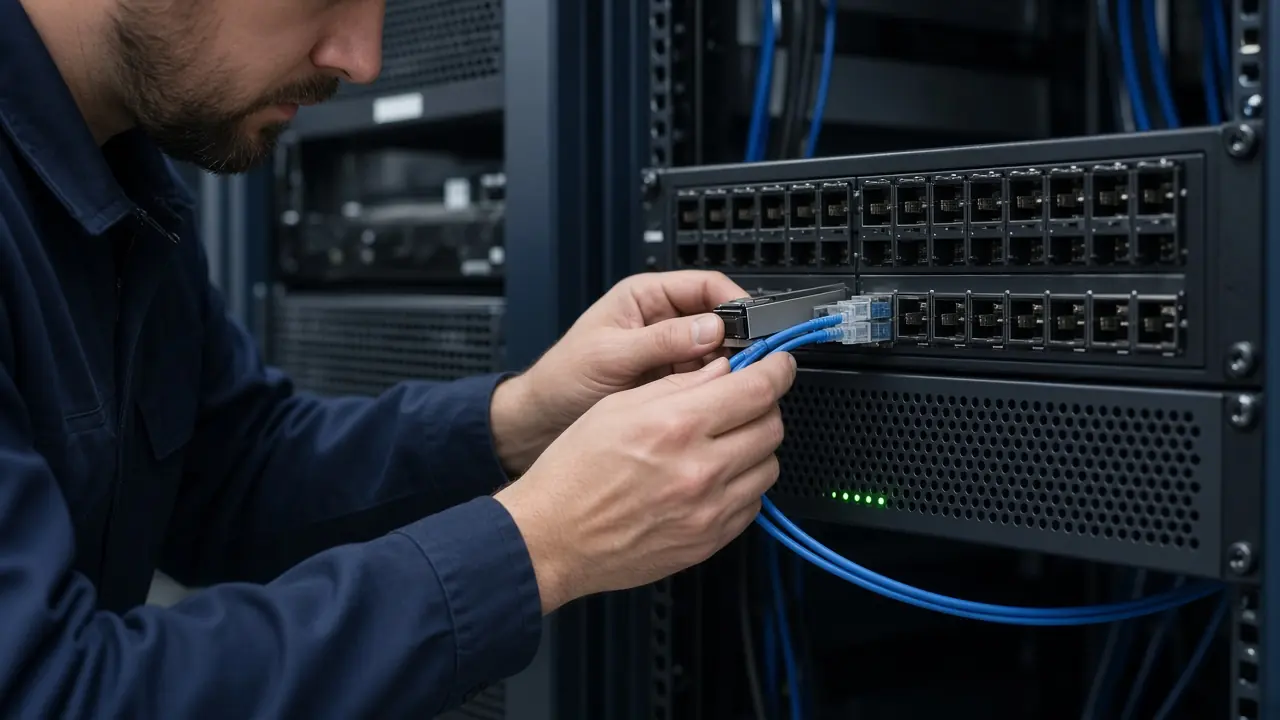
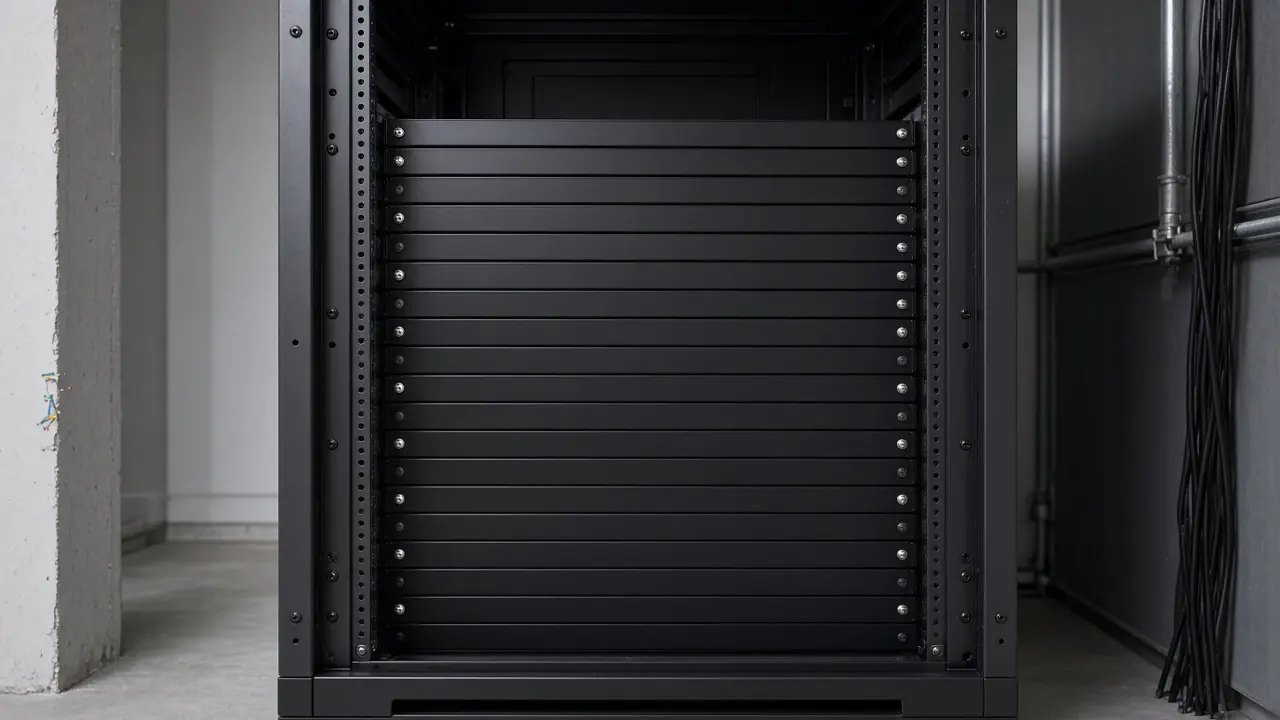
Where scoped: rack mounting, power, modules, patching, approved configuration loading, uplink connection, and initial turn-up.
Site Readiness Before Installation
A site is not assumed to be ready. Each relevant item is reviewed. This page does not publish a readiness pass.
- Rack availability and space
- Power, PDU, and UPS interface
- Grounding or earthing responsibility where it applies
- Cooling and ventilation
- Copper and fiber cabling already in place
- Patch panels
- WAN, internet, or carrier handoff
- Equipment delivery and mounting accessories
- Required optics and modules
- Site access and working hours
- Approved drawings and topology
- Safety and customer dependencies
The drawing, topology, or site fact is incomplete. It is not filled in on site by guesswork.
From Site Readiness to Deployment Handover
Mount
Input. Approved equipment and rack position.
Action. Physical installation.
Output. Equipment secured in the planned position.
Rack & Equipment Installation
Equipment installation should follow the approved rack layout, device role, physical requirements and site conditions. Mounting alone does not establish that the system is operational or accepted.
- Rack position review
- Equipment placement
- Rail and mounting preparation
- Switch, router, and firewall mounting
- Server or storage mounting
- Patch panel and PDU relationship
- Cable routing
- Physical labeling
Position follows the approved rack layout.
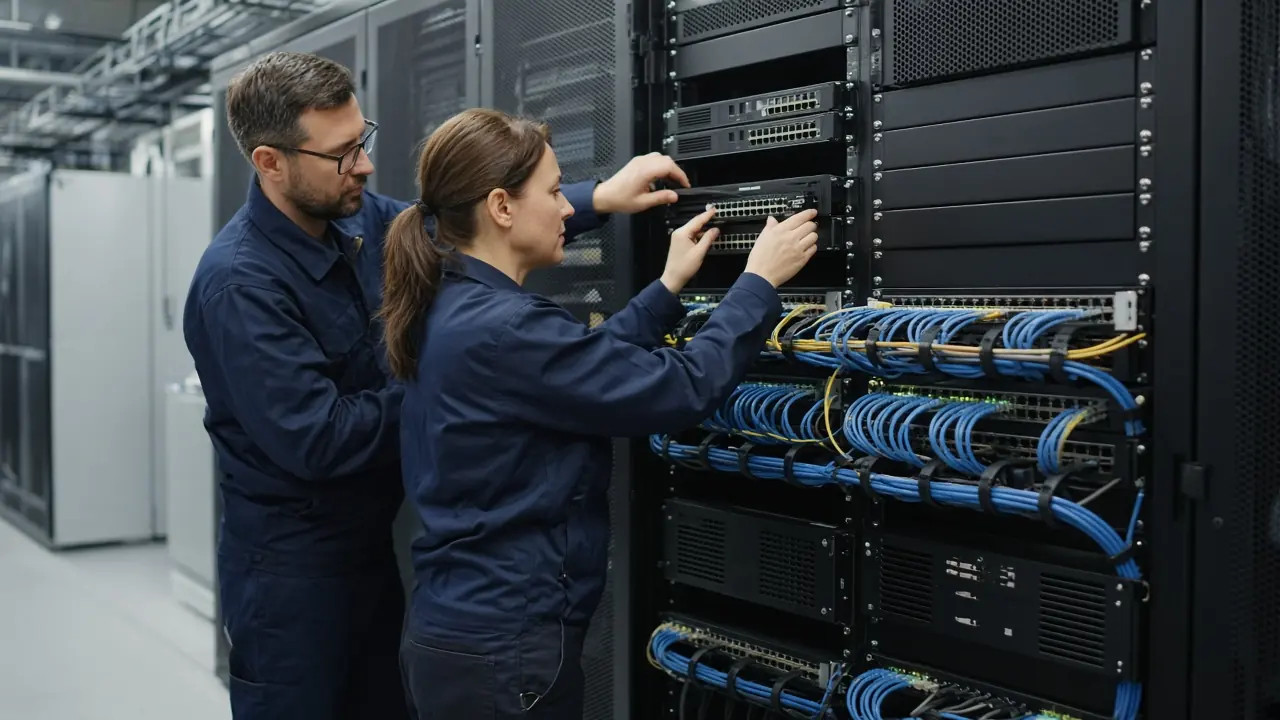
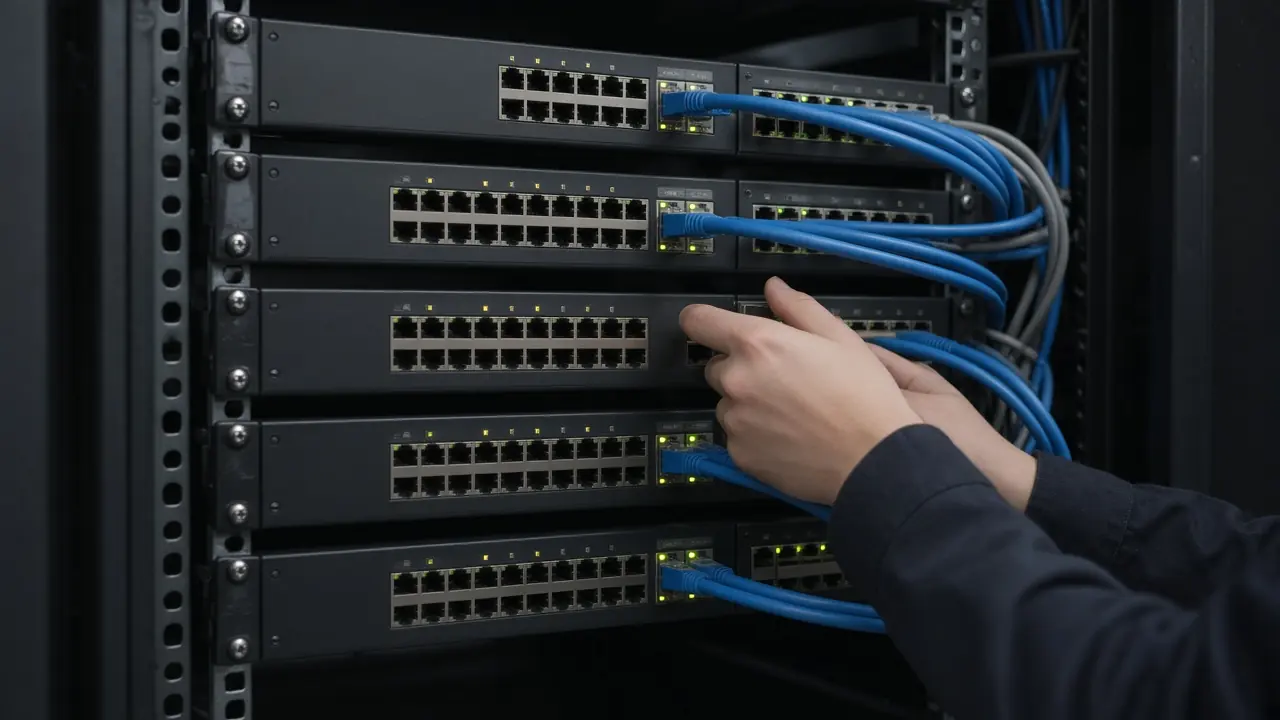
Network Equipment Deployment
- Switch installation
- Router installation
- Module installation
- Optics installation
- Uplink connection
- Copper and fiber patching
- Management connection
- Approved baseline loading
- Initial device turn-up
- Rack
- Device
- Module
- Uplink
- Access links
- Management
- Initial status
Customer topology is not published on this page.
Firewall & Security Appliance Installation
Firewall deployment can include physical installation, interface connectivity and application of an approved baseline configuration where included in scope. Production security policy remains dependent on the approved network and security design.
- Mounting
- Power
- WAN and LAN interfaces
- Management connection
- Approved baseline
- Initial connectivity
- Handoff for validation
WAN and LAN cables follow the approved interfaces.
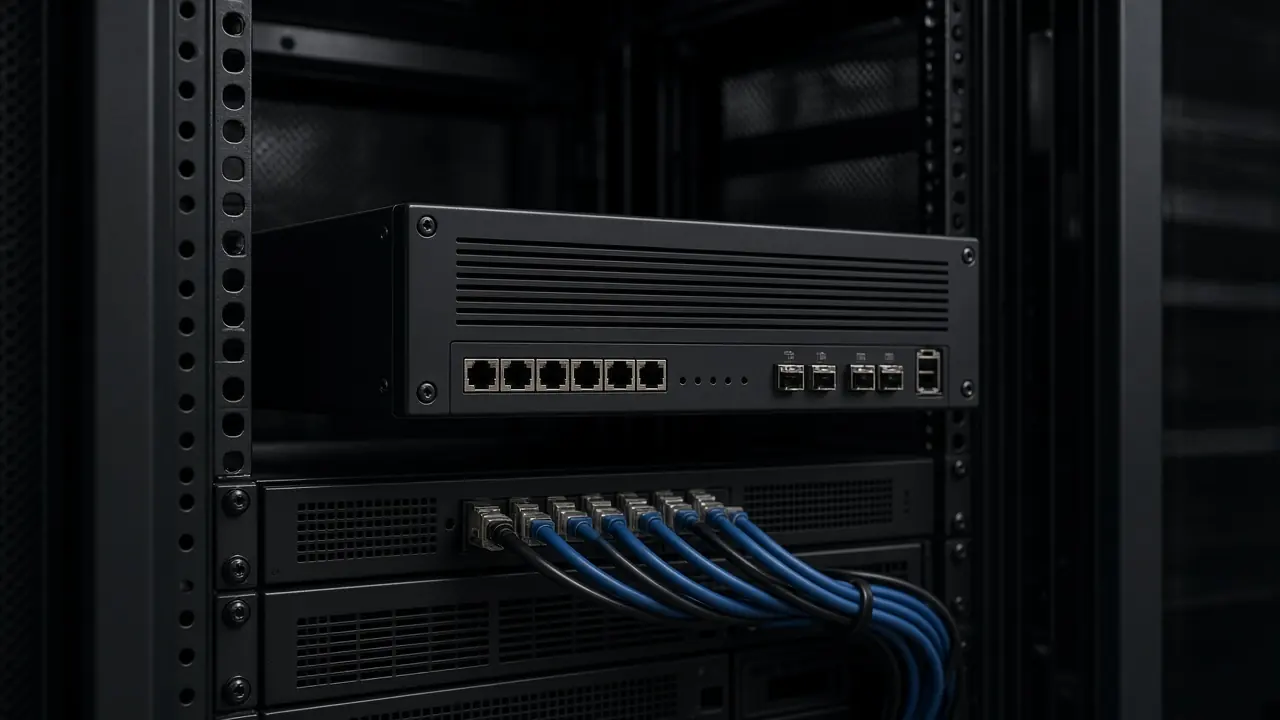
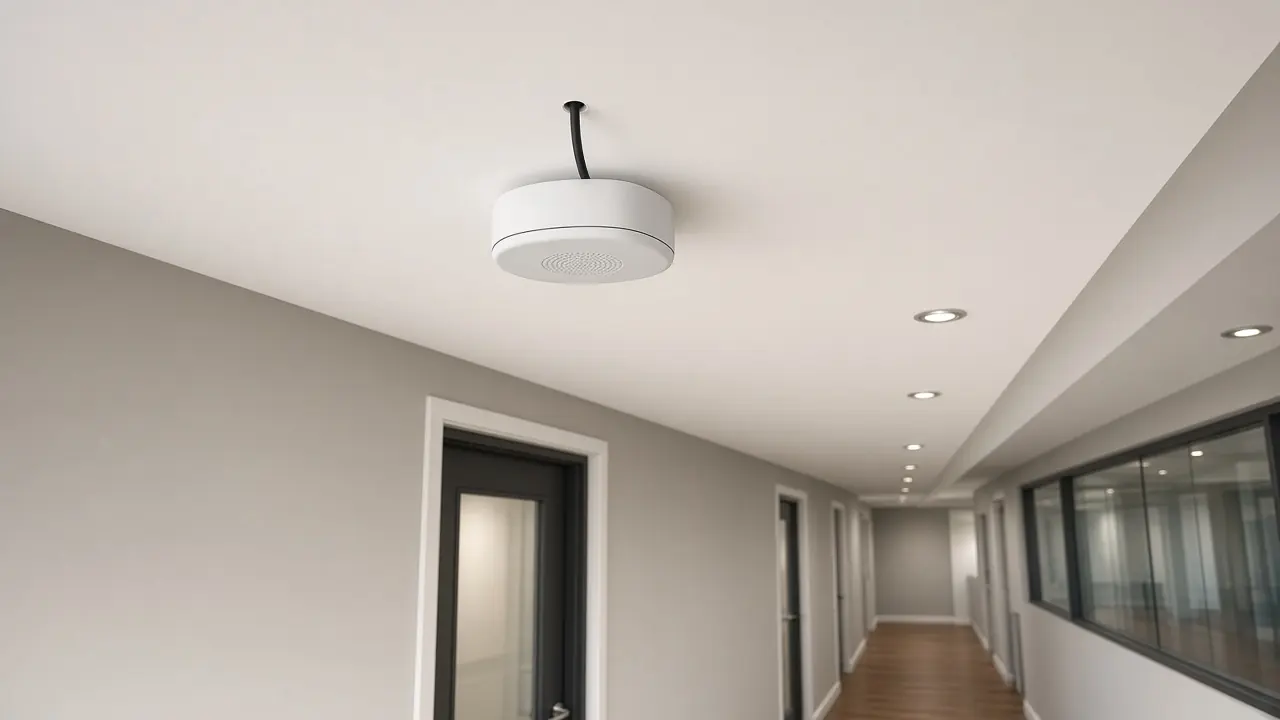
Wireless Access Point Deployment
- Approved access-point location
- Physical mounting
- PoE connectivity
- Switch-port connection
- Device identification
- Controller or cloud association where it applies
- Initial status verification
The access-point location comes from the approved placement.
Physical AP installation does not replace wireless validation or post-installation coverage testing where those activities are required.
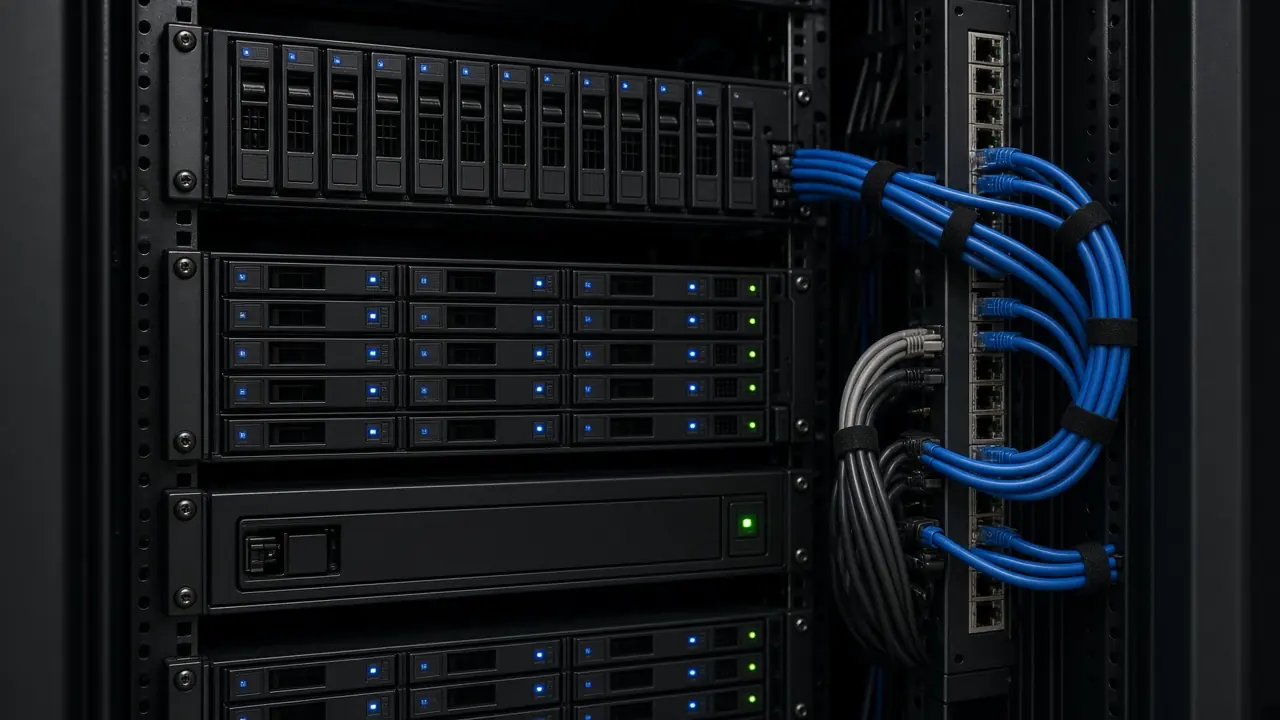
Server & Storage Physical Installation
- Rack mounting
- Rail installation
- Power connection
- PDU relationship
- Network connection
- Management interface connection
- Cable management
- Equipment labeling
- Initial power-on where authorized
Rails and rack position are physical work.
Operating system, virtualization, applications, databases, backup, and storage configuration are not included unless the approved scope says so.
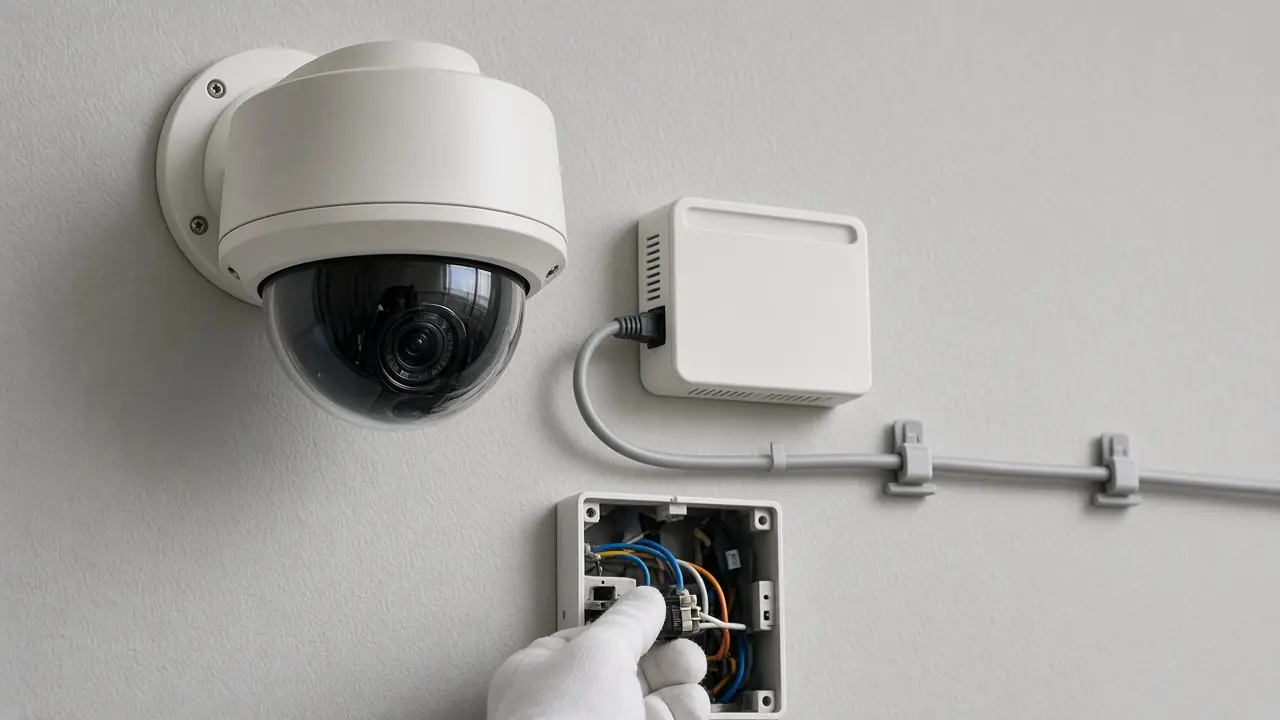
CCTV, Access & Edge Device Installation
This is the installation overview. It does not replace a specialist CCTV service page.
- Camera physical installation
- Network connection
- PoE connection
- Recorder or server physical integration
- Access-device connection
- Edge-device connectivity
- Equipment labeling
- Initial device connectivity
Fiber & Copper Connectivity at Deployment
This section covers connections made while equipment is deployed. It is not a fiber or structured-cabling service. That separate service is not linked here because it does not yet have its own page.
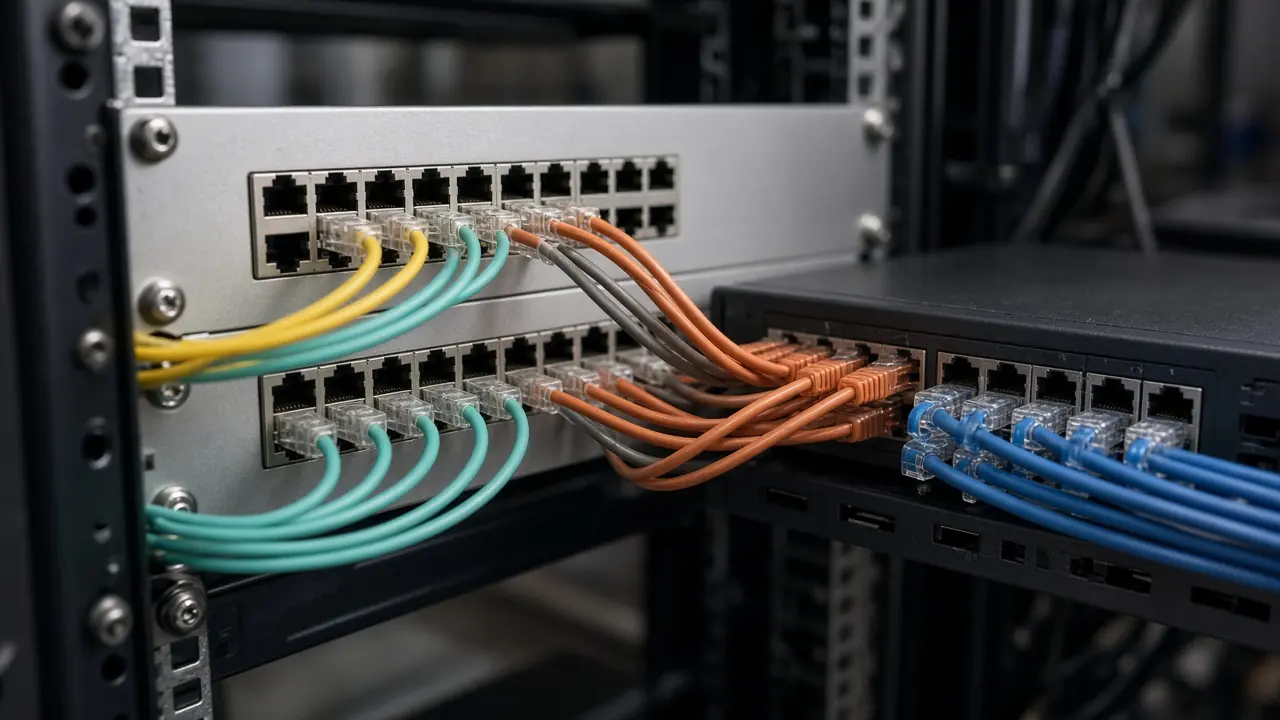
- Patch-cord connection
- Patch-panel relationship
- Switch-to-patch connection
- Optical uplink connection
- Copper uplink connection
- Module-to-fiber relationship
- Cable identification
- Basic connection verification
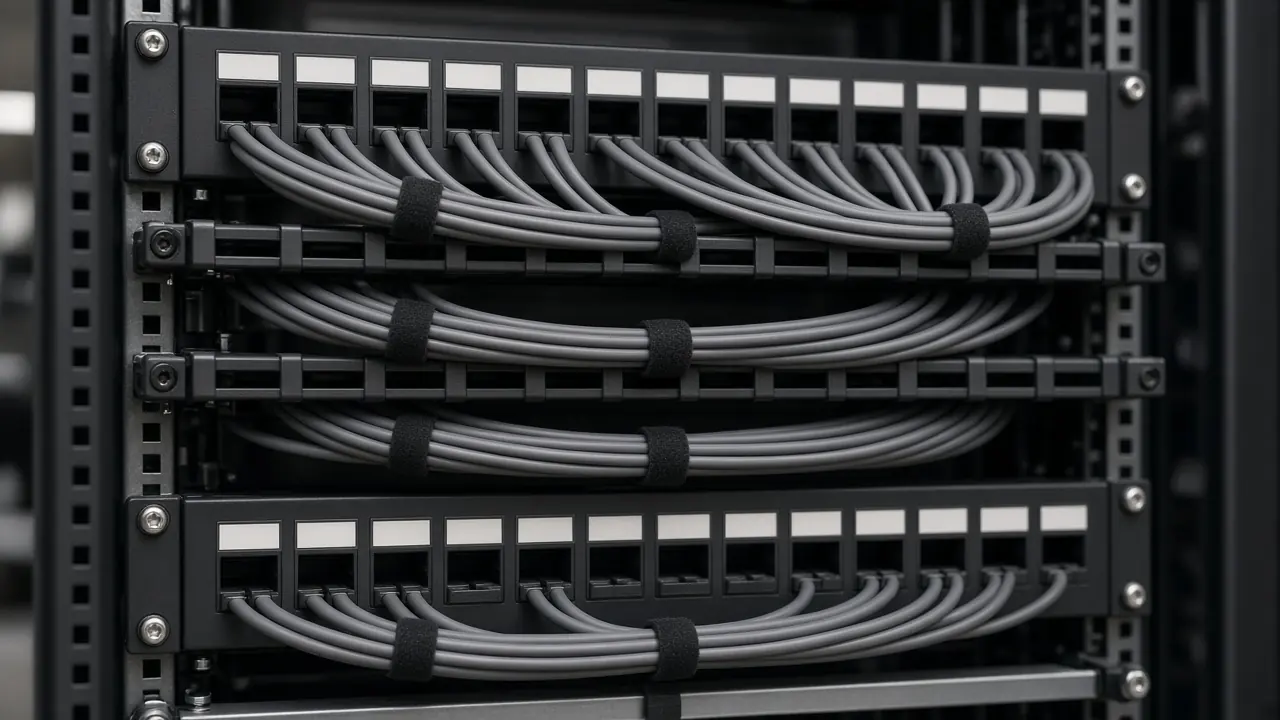
Cable Management & Equipment Labeling
Structured labeling and cable organization help preserve installation clarity and simplify later testing, handover and maintenance. Labels should follow the approved project naming scheme.
- Patch-cord organization
- Cable routing
- Port labeling
- Device labeling
- Rack position identification
- Uplink identification
- Site and device naming
- Cable identification where in scope
Labels and asset identifiers are not invented on this page.
Approved Configuration Loading & Site Integration
Pre-configuration prepares a baseline before the site. Installation applies and integrates that approved information at the site. A missing production parameter is clarified. It is not guessed.
- Load an approved configuration
- Apply approved site-specific values
- Connect uplinks and access infrastructure
- Establish management connectivity
- Integrate staged equipment
- Resolve approved deployment dependencies
Initial Turn-Up & Connectivity Checks
- Device powers correctly
- Expected interfaces are present
- Physical links establish
- Management access works where approved
- Required modules are detected
- Expected uplinks establish physically
- Basic approved connectivity exists
- Critical physical faults are identified
Initial turn-up confirms defined deployment-stage conditions. It does not replace formal testing, performance validation or customer acceptance.
Can We Install Customer-Supplied Equipment?
Customer-supplied or existing equipment may be considered for installation where the equipment condition, model, accessories, licensing, configuration state and project responsibilities are sufficiently understood.
- Exact model
- Condition
- Required accessories and rails
- Power requirements
- Modules
- Licensing
- Existing configuration
- Credentials supplied securely where required
- Compatibility dependencies
- Warranty implications
- Target role
Structured Deployment Across Multiple Sites
- Site-specific equipment mapping
- Site codes
- Deployment sequence
- Configuration mapping
- Labeling
- Site-readiness confirmation
- Logistics coordination
- Installation checklist
- Exception tracking
- Handover status
- Project
- Site A, Site B, Site C
- Device map
- Install
- Status
- Handoff
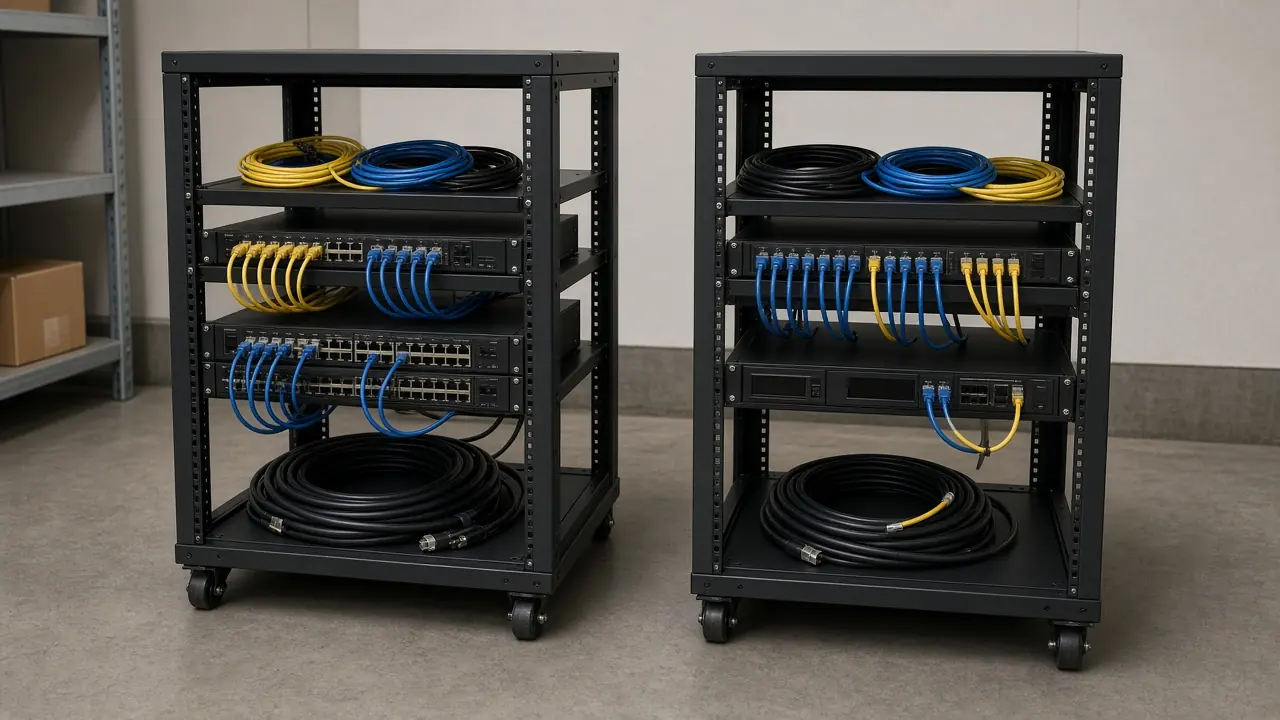
What We Need Before Deployment Starts
Installation quality depends on accurate project information and site readiness. Missing dependencies should be identified before deployment rather than discovered during final turn-up.
- Project scope
- Site location
- Equipment list
- Approved design or topology
- Rack information
- Power availability
- Cabling status
- WAN or carrier information
- Device roles
- Configuration status
- Required optics and modules
- Mounting accessories
- Site access requirements
- Deployment schedule
- Customer dependencies
- Safety and access requirements where they apply
Typical Installation Outputs
These outputs depend on scope. They do not all apply to every project.
- Installed equipment
- Rack position record
- Device identification
- Cable and port labels
- Physical connectivity
- Applied approved configuration
- Initial turn-up record
- Issue and exception list
- Installation checklist
- Updated device list
- Handoff to testing
- Supporting photographs where publication is appropriate
Common Deployment Scenarios
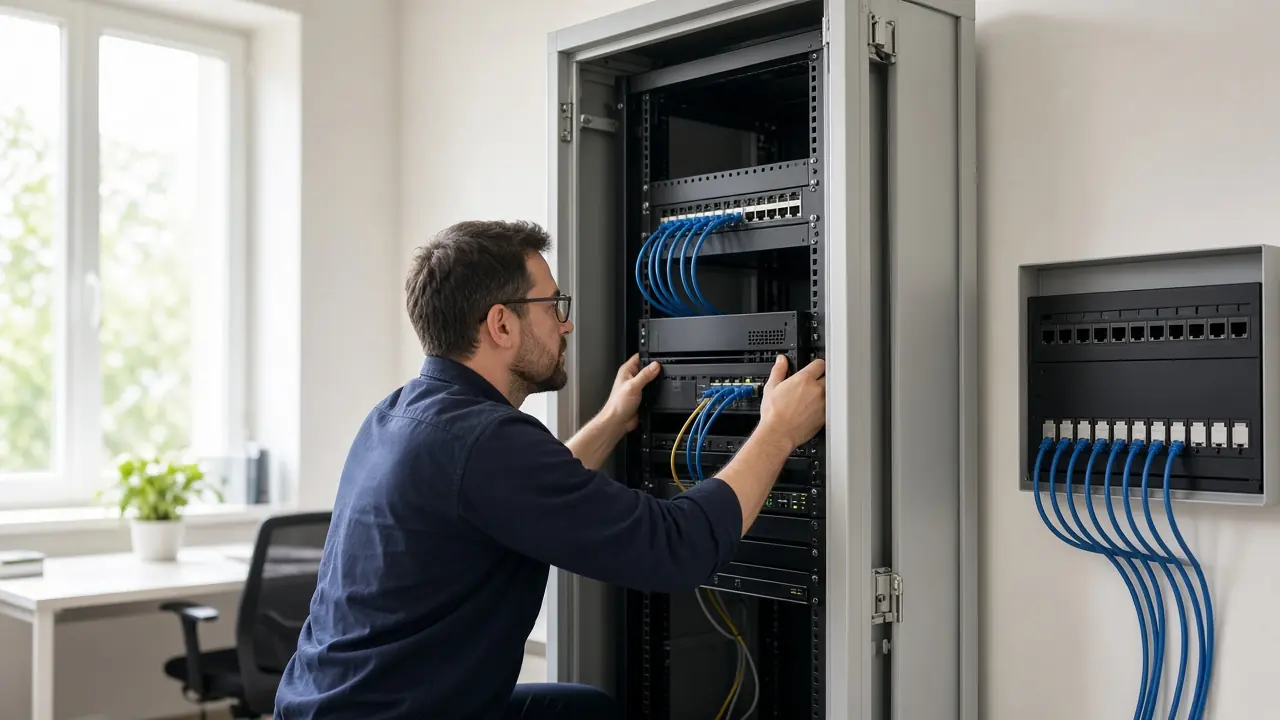
New office network
Site, rack, switches, firewall, access points, turn-up, testing
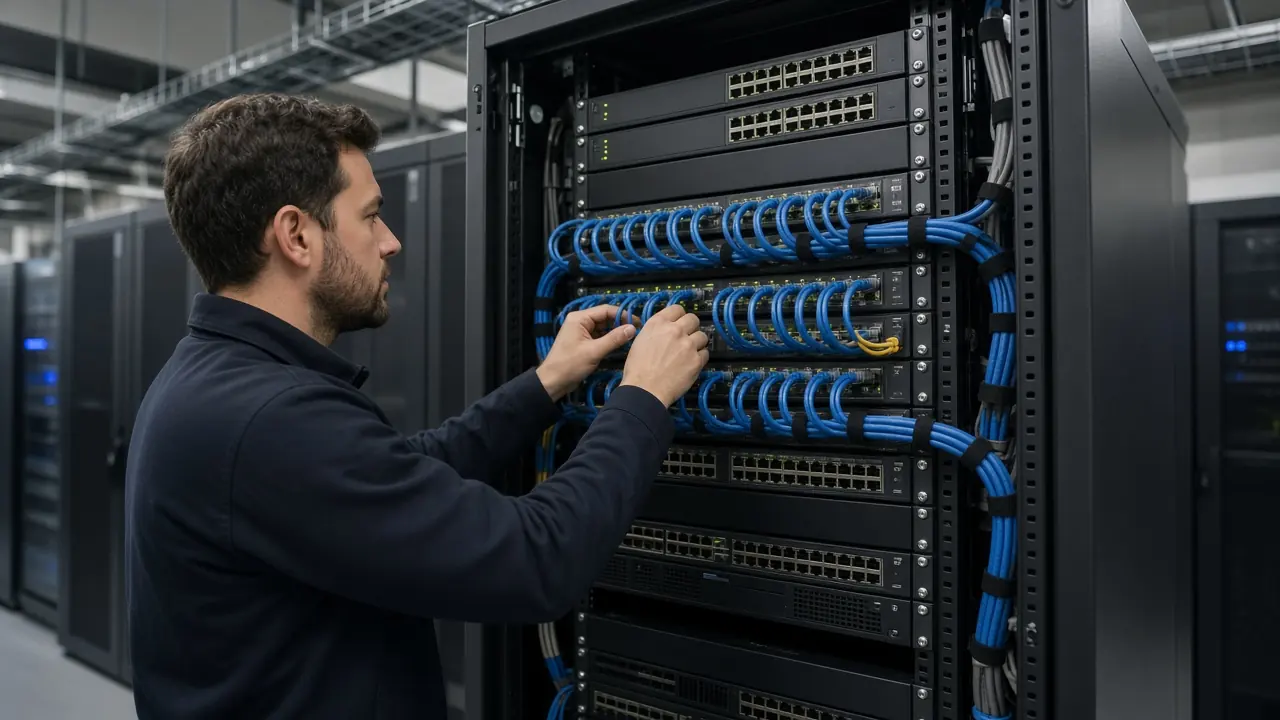
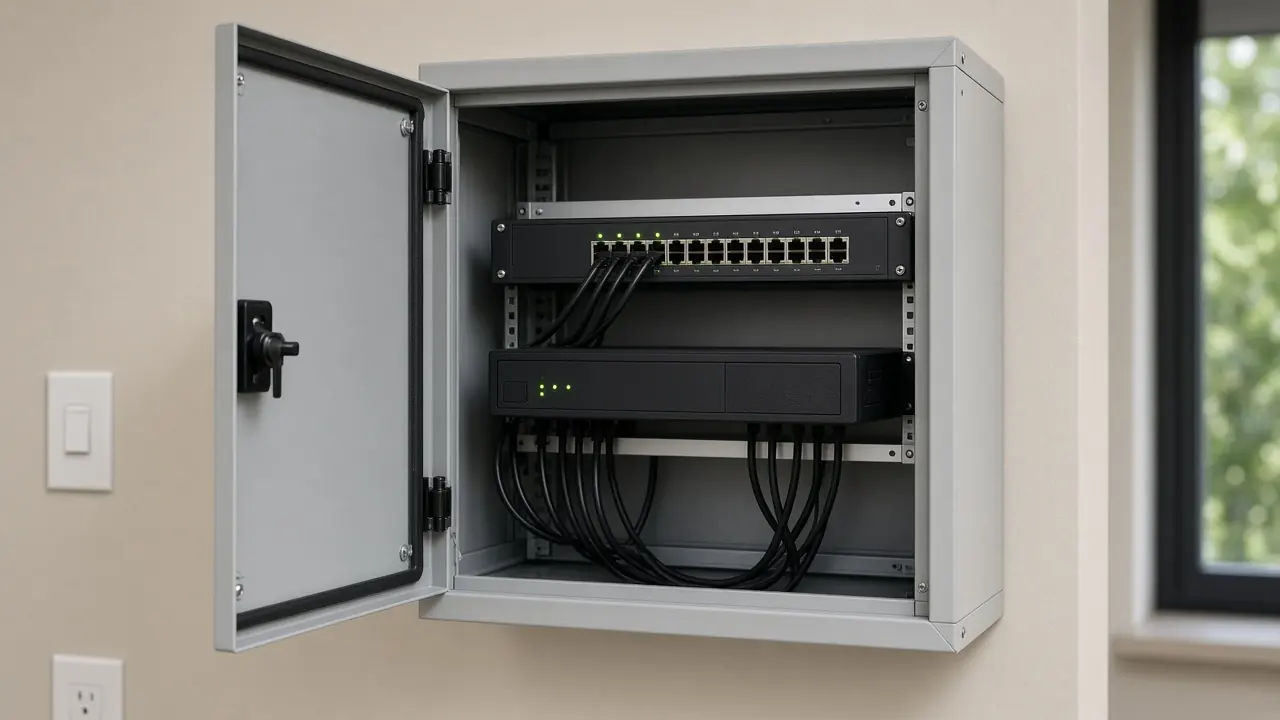
Network rack deployment
Rack, equipment, patching, labels, uplinks, handoff
Branch rollout
Site readiness, staged equipment, installation, connectivity, handoff

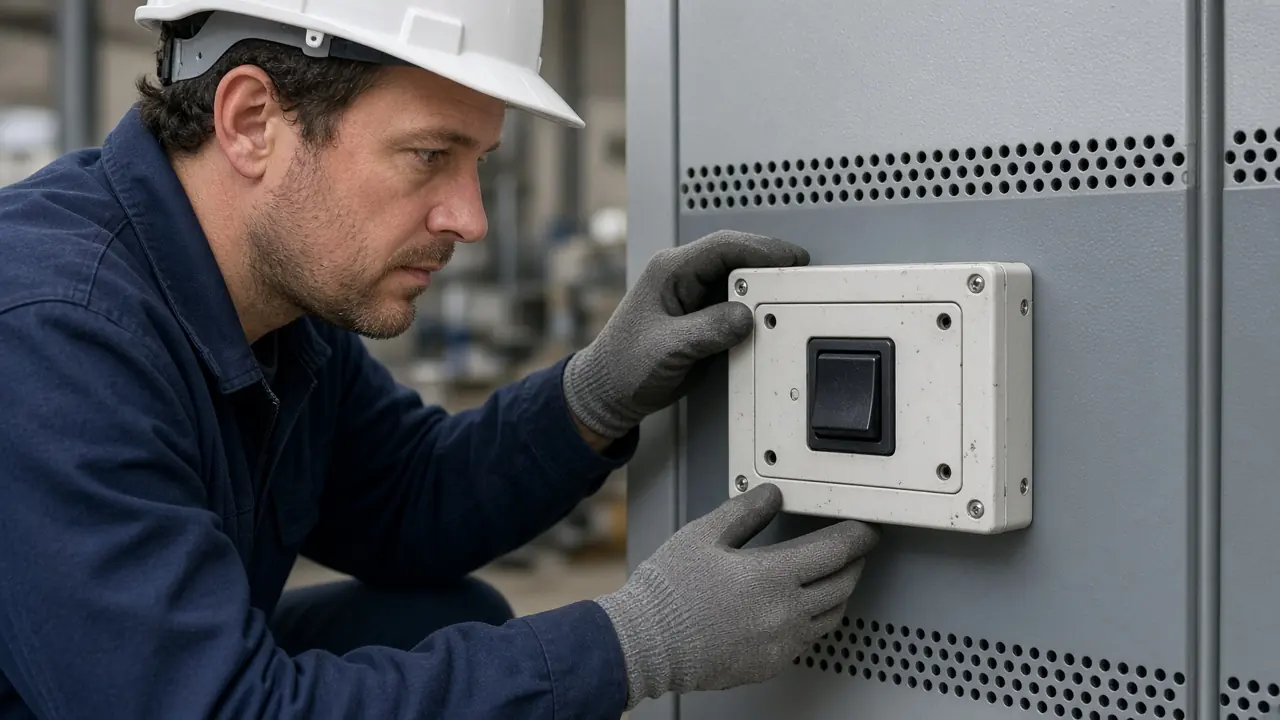
Data center equipment deployment
Rack position, equipment, power, network, management, testing
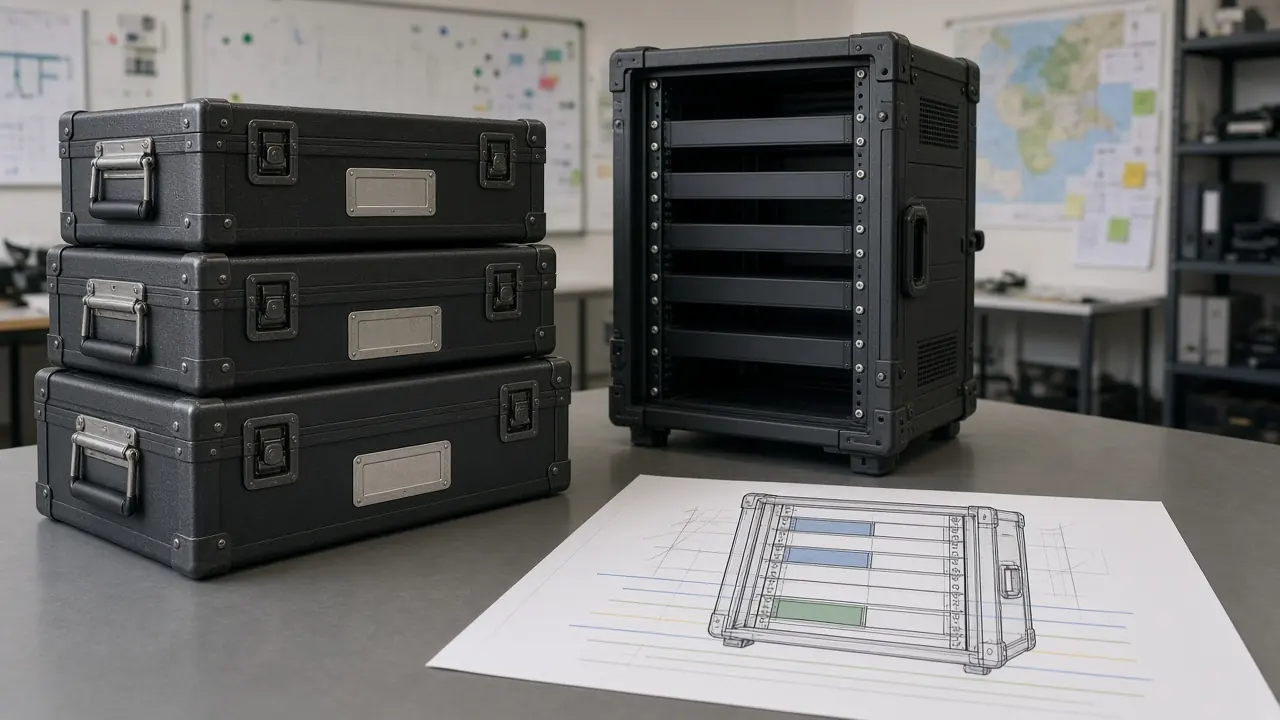
Customer-supplied equipment
Inspect, confirm, mount, connect, integrate, verify
Multi-site project
Site plan, equipment map, deployment sequence, installation, exceptions, handoff
What Installation Does — and Does Not Prove
Installation can include
- Physical mounting
- Power connection
- Network connection
- Patching
- Equipment labeling
- Approved configuration loading
- Physical integration
- Initial turn-up
- Deployment-stage checks
Installation does not automatically prove
- Final acceptance
- Performance compliance
- Wireless coverage
- Fiber certification
- Copper certification
- Security compliance
- Application functionality
- Full interoperability
- SLA compliance
- Customer acceptance
Installation Is Followed by Testing & Acceptance
- Install
- Initial turn-up
- Technical testing
- Issue resolution
- Acceptance
- Handover
Installation does not replace formal testing and acceptance. Installed infrastructure should proceed through the validation and acceptance activities defined for the project.
There is no separate testing, fiber-cabling, or specialist CCTV service page to link yet. Existing routes: Services, technical assessment, network design, technology procurement, pre-configuration, enterprise networking, data center solutions, and products.
Evidence & Delivery Readiness
- This service page
Proves: Installation is an existing Novatelia service at this URL.
Does not prove: It does not prove a particular customer project or a certified result.
- Approved project information
Proves: Mounting, labels, and configuration follow values the project already defined.
Does not prove: It does not invent rack positions, addressing, or wireless coverage.
- A turn-up record where scoped
Proves: Defined deployment-stage checks were written down.
Does not prove: It is not formal testing, fiber certification, or customer acceptance.
- RFQ intake
Proves: An installation request can enter the existing public intake.
Does not prove: It does not create a second commercial system.
Professional Installation & Deployment — Questions & Answers
What does professional network installation include?
Depending on project scope, network installation can include equipment mounting, power and network connectivity, patching, labeling, approved configuration loading, initial integration, and turn-up before formal testing and acceptance.
Scope. Only the activities named in the approved scope.
Condition. Site readiness and approved information are required.
Limitation. It is not cabling certification and not final acceptance.
Can Novatelia install switches, routers, and firewalls?
Yes, these devices can be included in an approved infrastructure deployment scope.
Scope. Mounting, connection, an approved baseline, and initial turn-up where each is included.
Condition. The design, configuration requirements, and site readiness must be known.
Limitation. Buying the device is not the same as installing it.
Can Novatelia install customer-supplied equipment?
Customer-supplied equipment may be considered where its model, condition, accessories, licensing, configuration state, and installation requirements are sufficiently understood.
Scope. Devices that can be installed safely for the stated role.
Condition. Accessories, power, and credentials where needed must be available.
Limitation. Acceptance of every device is not guaranteed.
Can Novatelia install wireless access points?
Wireless access points can be physically installed and connected where included in scope.
Scope. Approved location, mounting, PoE, and an initial status check.
Condition. Placement comes from the approved information.
Limitation. Physical installation does not replace wireless validation or coverage testing.
Can Novatelia install servers and storage hardware?
Physical rack installation, power, and network connectivity for server and storage equipment may be included.
Scope. Rails, power, network, management cabling, and labeling.
Condition. Power-on happens only where authorized.
Limitation. Operating system, virtualization, storage, and application work are separate unless the scope includes them.
Does installation include rack mounting and cable management?
It can. Rack mounting, patching, cable organization, and equipment labeling may be included where defined in the installation scope.
Scope. The rack positions and naming scheme already approved.
Condition. Labels follow that scheme.
Limitation. Mounting alone does not make the network operational.
Can equipment be installed across multiple sites?
Multi-site deployment can be structured around site readiness, equipment mapping, configuration, labeling, deployment sequence, and handover where the project scope supports it.
Scope. Each site keeps its own map and checklist.
Condition. Readiness is confirmed per site.
Limitation. This page does not claim same-day coverage of every site.
Does installation include configuration?
Approved baseline or site-specific configuration may be applied where configuration is included and the required parameters have been defined.
Scope. Only values already approved. Pre-configuration prepares them. This page applies them at site.
Condition. Missing production information is clarified.
Limitation. Parameters are not invented on site.
Does installation include final testing?
Installation can include initial turn-up and deployment-stage checks, but it does not replace formal testing, performance validation, or customer acceptance.
Scope. Checks listed in the installation scope.
Condition. The project still defines a validation stage.
Limitation. Turn-up is not acceptance.
What information is needed before installation begins?
Typical inputs include the equipment list, site details, approved design or topology, rack and power information, cabling status, device roles, configuration status, required modules, and site-access requirements.
Scope. The facts that the scoped work will actually use.
Condition. Missing dependencies are identified before deployment.
Limitation. A complete site is not assumed.
Can Novatelia install CCTV and access-control equipment?
Physical installation and connectivity for CCTV, access, and related edge equipment may be included where defined in the project scope.
Scope. Mounting, network, PoE, and initial connectivity.
Condition. Specialist system configuration follows the specific system.
Limitation. This page does not absorb a separate CCTV service and does not claim analytics or monitoring.
What happens after installation is complete?
Installed infrastructure should proceed to the defined testing, issue-resolution, and acceptance stage before final project handover.
Scope. The handoff covers the installation work that was included.
Condition. Exceptions stay visible.
Limitation. Installation finished is not project accepted.
Can Novatelia install equipment that was pre-configured earlier?
Yes. Pre-configured equipment can be installed and integrated at site using the approved deployment information, with final site-specific validation performed as required.
Scope. Physical installation plus site integration of the staged baseline.
Condition. The staging record and site values must match.
Limitation. Staging does not replace the site turn-up.
Does rack mounting mean the network is operational?
No. Physical mounting is only one deployment step.
Scope. Position and mounting.
Condition. Power, connectivity, configuration, integration, and the required testing still have to be completed.
Limitation. A mounted device is not an accepted network.
Can Novatelia perform only installation if the equipment has already been purchased?
Potentially, yes. Installation can be scoped separately where the equipment, design, site readiness, and project responsibilities are sufficiently defined.
Scope. Installation only, without implying a new purchase.
Condition. The devices and the design must still be understood.
Limitation. A purchase on its own is not an installation scope.
Planning an Infrastructure Deployment?
Share your equipment list, site information, available design and deployment requirements. Novatelia can review the installation scope, identify site dependencies and define the appropriate path from equipment deployment through testing and handover.