
01
Employee & Desktop Assistance
Remote support, desktop support, and user sign-in issues for a person who cannot work.
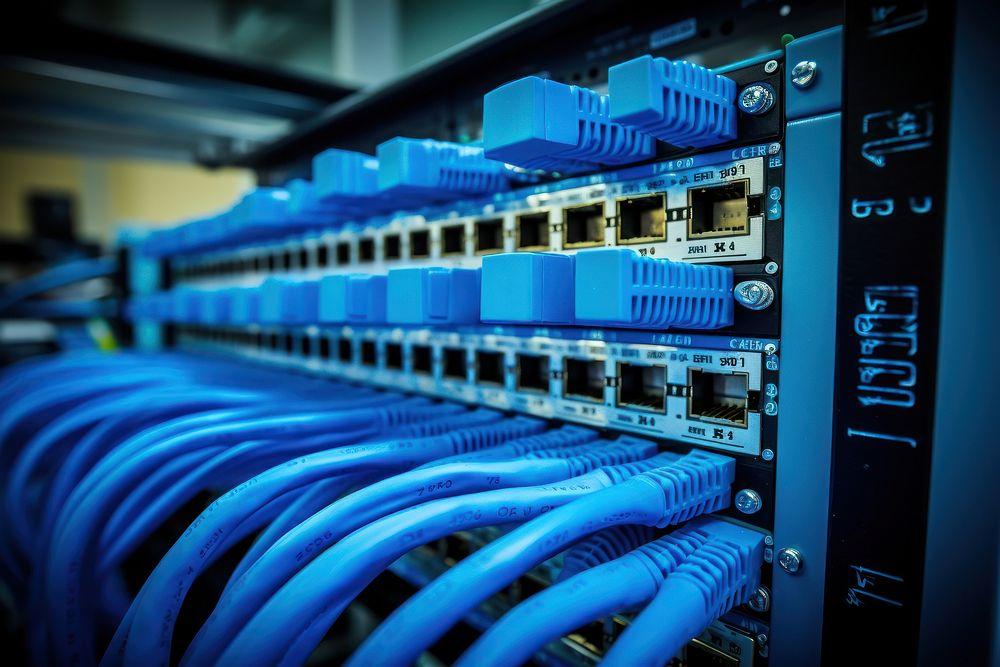
The photograph is a workplace workstation. It does not depict Novatelia staff.
PEOPLE & DEVICES
People and devices
IT support at Novatelia is help for people and the devices they use: remote or on-site assistance, desktops, email, Microsoft 365, Google Workspace, everyday network faults, device setup, and user provisioning.
Support answers a person who cannot work. Managed IT performs recurring administration whether or not someone has called. Network Technical Support handles deeper technical escalation.
Support availability, covered users and eligible locations are defined by the agreement.
Deep routing and optical faults stay with network technical support. A round-the-clock desk is not published, and this page does not replace a hardware maintenance contract.

Illustrative support categories — actual coverage is determined by the signed agreement.
01
Remote assistance can take place for devices and accounts when the person can participate and the agreement permits the session. Remote assistance is the default form unless the agreement says otherwise.
02
Site visits require agreement-defined on-site coverage and a specified location. On-site support is not included by default, and arrival is not guaranteed on this page.
03
Workstations, user applications, and sign-in issues for the person named in the agreement.
04
Mailbox issues for named users. DNS changes belong to the DNS service. Mailbox architecture belongs to Business Email.
05
User, shared-mailbox, and Teams issues inside the customer’s tenant. No official Microsoft partner status is implied.
06
User, Gmail, and Drive issues inside the customer’s account. No Google reseller designation is implied.
07
Everyday workplace connectivity: a workstation that cannot reach the local network. Routing faults, optical faults, and firewall-policy conflicts escalate to Network Technical Support.
08
Preparation of a computer or phone for a named employee, when that work is in the agreement.
09
User creation and removal following the request of the customer’s authorized approver.
01
Remote support, desktop support, and user sign-in issues for a person who cannot work.
The photograph is a workplace workstation. It does not depict Novatelia staff.
02
Email, Microsoft 365, and Google Workspace assistance inside the customer’s tenant or account. No official partner status is implied.
03
Ordinary workstation connectivity. Routing, optical faults, and firewall-policy conflicts escalate to Network Technical Support.

04
Device setup for a named employee, and user provisioning when the authorized approver requests it.
These four forms exist in the service record. They are not all delivered as IT Support desk services. IT Support is the assistance a person requests. Managed administration is recurring work whether or not someone has called.
A defined installation or change that ends when accepted.
Agreed assistance for named users and systems within contractual hours.
Recurring tasks for named systems, recorded according to the agreement. This is Managed IT, not the support desk.
Scheduled checks and reporting. Not a staffed watch. Not a SOC. Not a 24/7 desk published on this page.
Assistance when a user can join, for covered systems and users, during agreed service hours. Remote assistance is the default form unless the agreement says otherwise.
Contract-defined visits, a named eligible location, and authorized scheduling and access. A visit is not included automatically. Dispatch and arrival times are not promised.
Day-to-day mailbox help for a named user. Mailbox architecture stays on the business-email page. DNS changes stay on the DNS service.
Business EmailUser, shared mailbox, and Teams issues in the customer’s tenant. No Microsoft partner title is published.
Microsoft 365User, Gmail, and Drive issues in the customer’s account. No Google reseller designation is published.
Google WorkspaceThis is an explanatory boundary. It is not a live ticket-routing engine and it does not publish incident priorities.
A person needs help with a device, application, account, or ordinary workplace issue.
Recurring administrative tasks are carried out for systems listed in the agreement.
Hardware maintenance and replacement responsibilities are governed separately. Network Technical Support remains the escalation for deeper network issues.
A conceptual explanation. Not every case follows the same steps, and this page does not publish resolution times.
Support hours, remote access, eligible users and on-site locations depend on the written agreement.
This page does not publish a 24/7 helpdesk, always-available agents, response SLAs, branch offices, technician headcount, or same-day on-site visits.
Recurring administration, whether or not someone has called.
Escalation for routing, optical links, and firewall-policy conflicts.
Hardware replacement windows are a separate agreement.
Tenant context for user and mailbox assistance.
Mailbox design stays on the business-email page.
Remote or on-site help, desktops, email, Microsoft 365, Google Workspace, everyday network faults, device setup, and user provisioning, for the people named in the agreement.
No. A visit happens when the agreement names on-site work and the site. Remote assistance is the default form unless the agreement says otherwise.
No. Network technical support is escalation for routing, optical links, and firewall-policy conflicts. This page is the person’s device and account.
Help for employees, devices, user accounts, business email, productivity platforms, and ordinary workplace connectivity, inside the written agreement.
Remote assistance is the default form unless the agreement says otherwise. On-site visits exist only where the agreement names the coverage and the location.
No. A visit is not included automatically.
Desktop support covers the computer, its applications, and the sign-in the person uses, for people named in the agreement. A Windows-specific guarantee is not published.
Yes, when the agreement includes it: a user, a shared mailbox, or a Teams problem inside the customer’s tenant. No partner title is published.
Yes, when the agreement includes it: a user or a Drive and Gmail problem inside the customer’s account. No reseller title is published.
Mailbox problems for a named user can be in scope. DNS changes belong to the DNS service. Mailbox architecture belongs to Business Email.
Device setup prepares a computer or phone for a named person when that work is in the agreement.
An account is created or removed when the customer’s authorized approver asks.
A desk that cannot reach the network, and other everyday local access problems at the workstation.
Routing faults, optical link faults, firewall-policy conflicts, and deeper network diagnostics.
Support answers a person who cannot work. Managed IT performs recurring administration whether or not someone has called.
No. Hardware replacement windows belong to Maintenance Agreements.
A round-the-clock support desk is not published. Support hours depend on the written agreement.
Open the RFQ draft. It saves a browser draft. It does not submit a commercial request, create a ticket, publish hours or prices, or issue a quotation reference.
The RFQ currently saves a browser draft and does not submit a request or issue a quotation reference.