Education & Academic Campuses
IND-08 · EDUCATION INFRASTRUCTURE
التعليم والجامعات والمؤسسات الأكاديمية
Engineering Connected Learning Environments
Scalable campus Wi-Fi, centralized student/staff device management, content filtering, and network segmentation.
This industry blueprint describes educational infrastructure requirements and technical considerations, not completed Novatelia university projects. Campus networking, wireless density, device diversity, identity, research connectivity, labs, classrooms, and security are the topics.
Explore the Infrastructure Behind a Connected Campus
A student device uses campus Wi-Fi, then identity, then an approved student network. A lab PC uses a management path. Faculty devices use an authorized network. Research devices use an approved research path. A classroom uses the collaboration platform the institution licensed. These are not one unrestricted network. No student record is shown.
Conceptual academic infrastructure — not a deployed customer campus or live management system.
01
Campus Core Network
Aggregation, routing, and connectivity dependencies.
02
Academic Buildings
Access switching, uplinks, and floor distribution.
03
Campus Wi-Fi
High-density wireless, mobility, and RF planning. Not a measured heatmap.
04
Student BYOD Network
Authorized connectivity for personally owned devices. They are not auto-enrolled.
05
Faculty & Administration
Managed workstations and administrative systems.
06
Computer Laboratories
Shared desktops and deployment infrastructure.
07
Research Network
Approved research connectivity with its own boundary. Research traffic is not treated as hostile by default.
08
Smart Classrooms
Displays, audio, and hybrid collaboration on an approved network. Room-system certification is not claimed.
09
Identity & Access
Authentication, federation, and policy. Not every application supports the same protocol.
10
Security & Management
Management, endpoint protection on institution-owned devices, logging, and policy.
Three Infrastructure Challenges in Academic Environments
01
Managing thousands of personal BYOD laptops and smartphones alongside lab workstations
Student and faculty devices, concurrency, authentication, and lab PCs share the air and the switches. The source mentions thousands of personal devices. That scale belongs to the institution’s capacity plan. Unlimited simultaneous connectivity is not claimed, and Novatelia does not claim a deployment of that size.
02
Preventing unauthorized network exploration while fostering open research connectivity
Research access, student access, and administrative systems can have different rules. Institutional policy and the law set the boundary. Research traffic is not universally unrestricted, and students are not universally barred from exploration.
03
Automated distribution of educational software packages across shared computer labs
Lab software distribution depends on the endpoint platform, ownership, operating system, licensing, packages, capacity, schedule, and rollback where supported. Not every lab platform supports full automation.
Wireless Infrastructure for Lecture Halls, Libraries and Shared Spaces
Four spaces. Client density, channels, materials, mobility, placement, verification, authentication load, and device differences are the planning factors. Wi-Fi 6E or 7 applies only with device and regulatory context. No heatmap and no universal throughput are shown.
01
Lecture hall
Many clients in one room. Capacity and authentication load matter.
02
Library
Long sessions and mixed devices. Coverage is not the only question.
03
Student common area
Density moves with the timetable. The design uses the institution’s numbers.
04
Computer laboratory
Wired seats and wireless laptops can coexist. They may not share a policy.
Different Devices Require Different Access Policies
Conceptual domains are student BYOD, faculty devices, administrative systems, managed lab machines, institutional tablets, guests, research resources, and network management. Ownership decides whether endpoint management is even allowed.
Personally owned devices cannot automatically be managed like institution-owned devices. No student identity is collected and no live NAC or MDM is connected.
Identity Federation and Secure Campus Access
Student, faculty, and administrative identities, single sign-on, federation, roles, and authentication policy are integration topics. Federation is not automatic compatibility. Not every platform supports the same protocol. No sign-in is offered on this page.
From Lab Workstation Preparation to Classroom Readiness
Eight educational stages. No device is wiped from this page, and no deployment script is generated.
01
Inventory
Which PCs the institution owns and may manage.
02
Approved OS Image
An image matched to the hardware and the license.
03
Software Package Review
Packages the institution is allowed to install.
04
Deployment Preparation
Schedule, drivers, and a rollback where the tool has one.
05
Installation / Re-Imaging
Bare-metal deployment only on an approved change window.
06
Patch & Configuration Verification
The image that landed, not the image that was intended.
07
Functional Validation
The applications the lab must actually open.
08
Documentation & Handover
What was applied, and what was excluded.
Managing Institutional Devices Across Academic Environments
UEM, MDM, provisioning, patching, application deployment, compliance policy, and remote support are different functions. Each depends on license, operating system, and enrollment.
Unauthorized control of personal student devices is not claimed. No compliance score is fabricated.
Supporting Safe and Policy-Governed Academic Connectivity
Acceptable use, category filtering, student-age considerations where relevant, privacy, academic freedom, and approved exceptions belong to the institution. Filtering is not unlimited surveillance and not a certificate.
No browsing telemetry is collected here.
Connected Classrooms for Teaching and Collaboration
Interactive displays, wireless presentation, audio, collaboration systems, and room network ports are classroom topics. Microsoft Teams Rooms or Zoom Rooms are not claimed as certified configurations on this page.
Detailed room deployment stays on the Smart Office, Education and Collaboration service. Not every collaboration system is inside the network project.
Connecting Academic Buildings and Shared Infrastructure
Campus fiber, building distribution, core and access switching, MDF and IDF relationships, optical uplinks, research paths, and management boundaries are the backbone topics.
No fiber type, link capacity, VLAN identifier, or redundancy percentage is invented.
Cybersecurity Considerations for Academic Campuses
These names are project topics. They are not a sector certification, a clearance, or a managed SOC. None is deployed by default.
01
Unified Endpoint Management (UEM) for Campus Labs
UEM applies to institution-managed lab and faculty assets. It is not a sector certification, a clearance, or a managed SOC.
02
Mobile Device Management (MDM) for Institutional Tablets
MDM applies to institutional tablets and supported mobiles, not to every personal phone. It is not a sector certification, a clearance, or a managed SOC.
03
Automated Third-Party Software & Browser Patching
Software and browser patching runs where the image and the vendor allow it. It is not a sector certification, a clearance, or a managed SOC.
04
Web Security & Category-Based Content Filtering
Web filtering enforces the institution’s categories. It is not surveillance. It is not a sector certification, a clearance, or a managed SOC.
05
Identity Federation & Student/Staff SSO Integration
Identity federation and SSO need a verified link to each application. It is not a sector certification, a clearance, or a managed SOC.
06
Endpoint Protection on Faculty & Administrative Workstations
Endpoint protection covers faculty and administrative workstations in scope. It is not a sector certification, a clearance, or a managed SOC.
07
Campus Network Security & Guest Wi-Fi Isolation
Guest Wi-Fi isolation is a network policy, not a certificate. It is not a sector certification, a clearance, or a managed SOC.
08
Centralized Lab Re-Imaging & Bare-Metal OS Deployment
Re-imaging and bare-metal deployment are approved recovery processes, not a public tool. It is not a sector certification, a clearance, or a managed SOC.
Education Technology Governance in Oman
- Ministry of Higher Education, Research and Innovation (MOHERI) digital campus standards
- Acceptable Use Policy (AUP) enforcement and content safety baselines
The source names Ministry of Higher Education, Research and Innovation digital campus standards. A specific titled standard was not verified here, so the reference stays a governance topic: relevant higher-education policies should be checked with the institution and the authority. It is not a MOHERI certification. An acceptable use policy is defined by the institution. One universal Oman AUP is not assumed, and no content-safety certificate is claimed.
Related Academic Infrastructure Solution Architectures
Two related architectures. Zero-downtime wording is not repeated, and no education-sector security certificate is advertised.
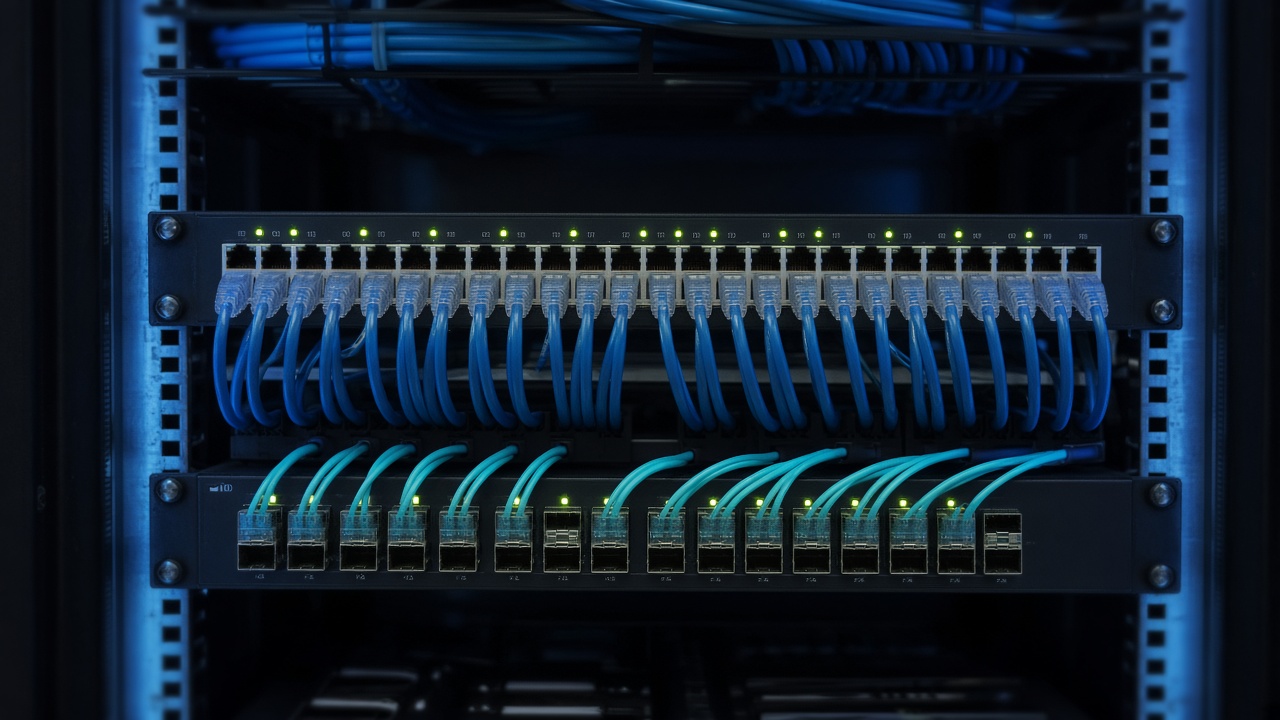
Enterprise Campus Networking
Campus switching and wireless as a design reference.
Enterprise Campus Networking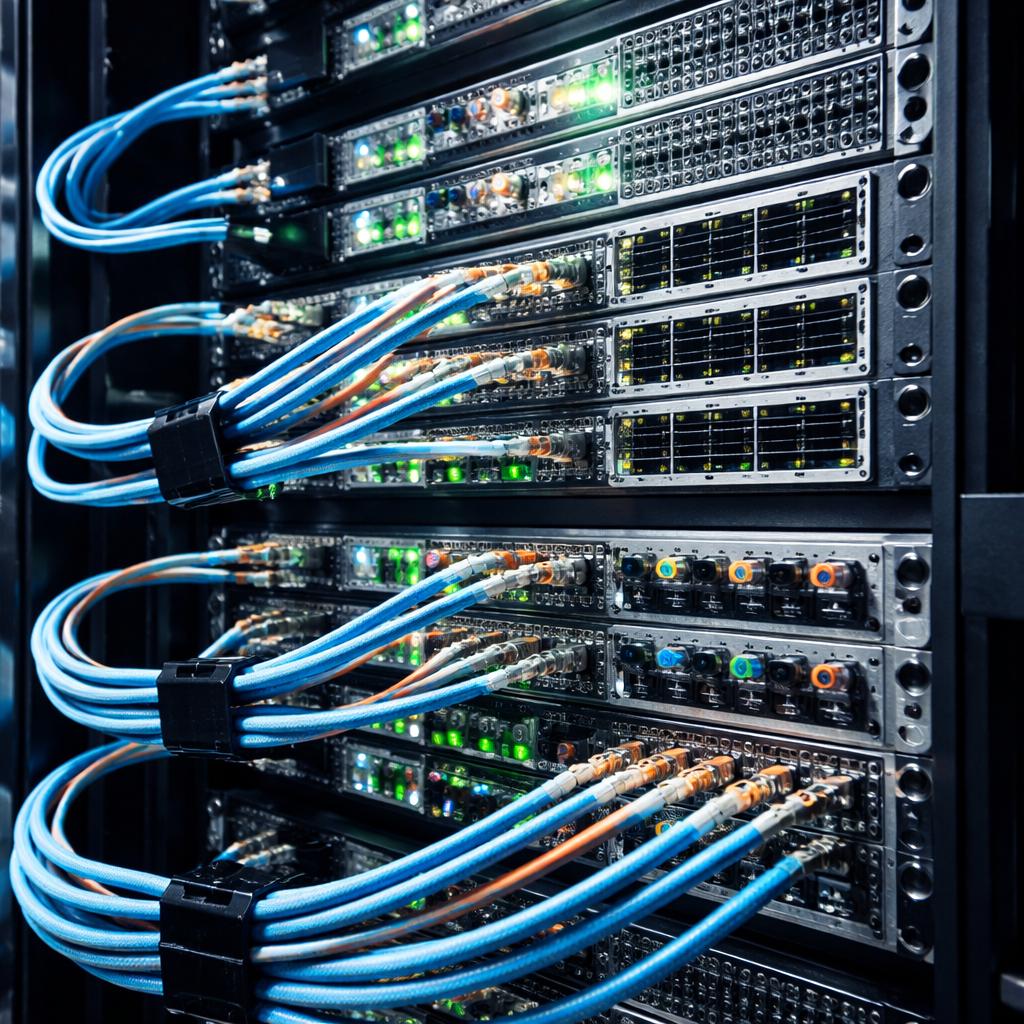
Cybersecurity & Security Infrastructure
Access governance, endpoint security, and segmentation for institution-owned systems.
Cybersecurity & Security Infrastructure
Engineering Services Supporting Digital Campuses
Network design defines connectivity. The education and collaboration service addresses approved classroom and AV scope. Procurement, installation, licensing, and support are not an automatic bundle. Endpoint management exists as a separate catalog service and is not part of this recommended pair.

Network & Infrastructure Design
Requirements and architecture for the campus network.
Network & Infrastructure Design
Smart Office, Education & Collaboration
Approved classroom and collaboration technology. Room-platform certification is not claimed from this page.
Smart Office, Education & Collaboration
Verify Campus Connectivity and Device Readiness
A useful sequence is installed, connected, authenticated, function tested, exceptions or retest, accepted, handover. Possible checks include connectivity, association, authentication, roaming, lab software, enrollment, classroom connectivity, isolation, and documents.
A connected client is not proof of service quality. An installed image is not proof that every application works. No formal pass is issued without criteria and observed results. Student records, credentials, and private configurations are not published.
From Academic Requirements to an Approved Campus Blueprint
Six conceptual stages. No university milestone and no success metric is invented.
01
Identify learning and operational requirements
Teaching spaces, labs, and administration.
02
Review student, faculty and device populations
Numbers come from the institution.
03
Map network, wireless and lab dependencies
Including what will not be managed.
04
Define access, identity and security boundaries
Students, research, and administration apart where policy requires it.
05
Establish deployment and validation requirements
Images, wireless tests, and classroom checks named in the scope.
06
Plan documentation and handover
Records without student data.
Education & Academic Campus Infrastructure — Questions and Answers
01What is academic campus network infrastructure?
It is the wired and wireless design that connects academic buildings, labs, and identity systems. This industry blueprint describes educational infrastructure requirements and technical considerations, not completed Novatelia university projects.
02What technology systems are needed in a connected university?
A core, building distribution, Wi-Fi, identity, and the lab or classroom systems the institution actually runs. The list is not a bundle.
03How is high-density campus Wi-Fi planned?
By counting concurrent clients in each space, then placing access points and channels to match. A drawing is not a measured heatmap.
04What affects Wi-Fi performance in lecture halls?
People, device mix, building materials, channel reuse, and authentication load. Throughput is not guaranteed.
05Can thousands of devices connect to a university network?
The source describes managing thousands of personal devices beside lab PCs. Whether a campus can do that depends on its own capacity plan. Novatelia does not claim a deployment of that size.
06How should student BYOD access be managed?
With an identity, an authorization policy, and a network that is not the same as the administrative network. Personal devices are not automatically enrolled in management.
07What is the difference between student and faculty network access?
Students, faculty, and administrators can have different roles and different destinations. The identity system, not the SSID name alone, should express that.
08How are research networks separated from administrative systems?
By a policy and a path that allow approved research without opening finance or student-record systems. Research traffic is not treated as suspicious by default.
09What is campus network segmentation?
It is the split among students, guests, labs, research, and management. The split follows institutional policy and the law, not a single universal rule.
10What is Network Access Control?
Network access control decides if a device may join, often with 802.1X where the devices support it. It is not automatic management of a personal phone.
11What is student and staff SSO?
Single sign-on lets an identity open approved applications without a separate password for each. Not every academic platform supports the same protocol.
12What is identity federation?
Federation lets a campus identity provider be trusted by an external application. Federation is not the same as guaranteed compatibility with every product.
13What is Unified Endpoint Management?
UEM inventories and configures endpoints the institution owns and is licensed to manage, such as lab PCs. It is not authority over every student laptop.
14How does MDM work for institutional tablets?
Mobile device management enrolls tablets the institution owns, then applies the profiles the license allows. Personal phones are outside that authority unless the owner enrolls them under a published policy.
15Can personal student devices be enrolled automatically?
No. Automatic enrollment of personal devices is not claimed and is not appropriate without consent and a policy.
16What is centralized lab re-imaging?
It is a process for applying an approved operating-system image to shared PCs. It depends on hardware drivers, licensing, and a change window.
17How is operating system deployment managed in computer labs?
From an approved image, a deployment tool the lab supports, and a test before the room is handed back. This website does not deploy images.
18What is software package deployment?
It is the distribution of a licensed package to managed PCs. Automation exists only on platforms that support it, and only for software the institution is allowed to install.
19How are academic applications patched safely?
On a schedule, with a rollback where the tool supports it, and without assuming every lab image accepts the patch.
20What is an educational Acceptable Use Policy?
An acceptable use policy is the institution’s own rule set for its network. There is not one universal Oman AUP for every school and university.
21How does web filtering work in an academic environment?
Category filtering can enforce the institution’s policy. It is not unlimited surveillance, and it is not a cybersecurity certificate. Research exceptions belong in the policy.
22What network infrastructure supports smart classrooms?
A network port or SSID for displays, audio, and collaboration clients, plus power. Naming a room system is not a claim that Teams Rooms or Zoom Rooms are certified in the project.
23What connectivity is required for hybrid learning?
Reliable access for the room device and a path to the collaboration service the institution licenses. The network project does not include every classroom product.
24What role does fiber play in multi-building campuses?
Fiber connects buildings and MDFs to IDFs. This page does not assign a fiber type, a VLAN number, or a redundancy percentage.
25What MOHERI requirements may be relevant?
The source names Ministry of Higher Education, Research and Innovation digital campus standards. A specific titled standard was not verified for this page, so the reference stays a governance topic. It is not a MOHERI certification.
26Does this page certify educational regulatory compliance?
No. It does not certify a campus, accredit a program, or endorse an institution.
27Does Novatelia guarantee unlimited Wi-Fi capacity?
No. Capacity follows the design and the radio spectrum. Unlimited student Wi-Fi is not offered.
28Which Novatelia solutions are relevant to academic infrastructure?
Enterprise campus networking and cybersecurity infrastructure. They are related architectures, not an education-sector certificate.
29What engineering services support digital campuses?
Network and infrastructure design, and smart office, education, and collaboration. Endpoint management appears in the catalog and is not part of this recommended pair unless a separate scope adds it.
30How can an education institution request infrastructure scoping?
Open the RFQ draft or contact Novatelia. Opening the RFQ page keeps a browser draft. It does not submit a quotation or issue a reference. Do not send student identities or minors’ records.
Plan Your Academic Campus Infrastructure with Engineering Clarity
The RFQ page keeps a browser draft. It does not submit a quotation or issue a reference.
Opening the RFQ page keeps a browser draft. It does not submit a quotation or issue a reference. Student identities, educational records, minors’ personal information, and private credentials are not requested.